6 Critical Ways to Fix AI Model Deployment Failures
You’ve spent weeks perfecting your machine learning model, only to hit a wall when pushing it to production. AI model deployment failures are a common yet frustrating roadblock, manifesting as cryptic “CUDA out of memory” errors, failed container builds, or models that work perfectly locally but return garbage or timeout in the cloud.
These AI model deployment failures halt your entire MLOps pipeline, wasting resources and delaying critical projects. This guide cuts through the complexity with six proven, step-by-step fixes used by engineering teams to diagnose and resolve the most stubborn deployment blockers.
We’ll move from quick environmental checks to advanced configuration overhauls, giving you a clear path to resolve AI model deployment failures and get your model serving predictions reliably.
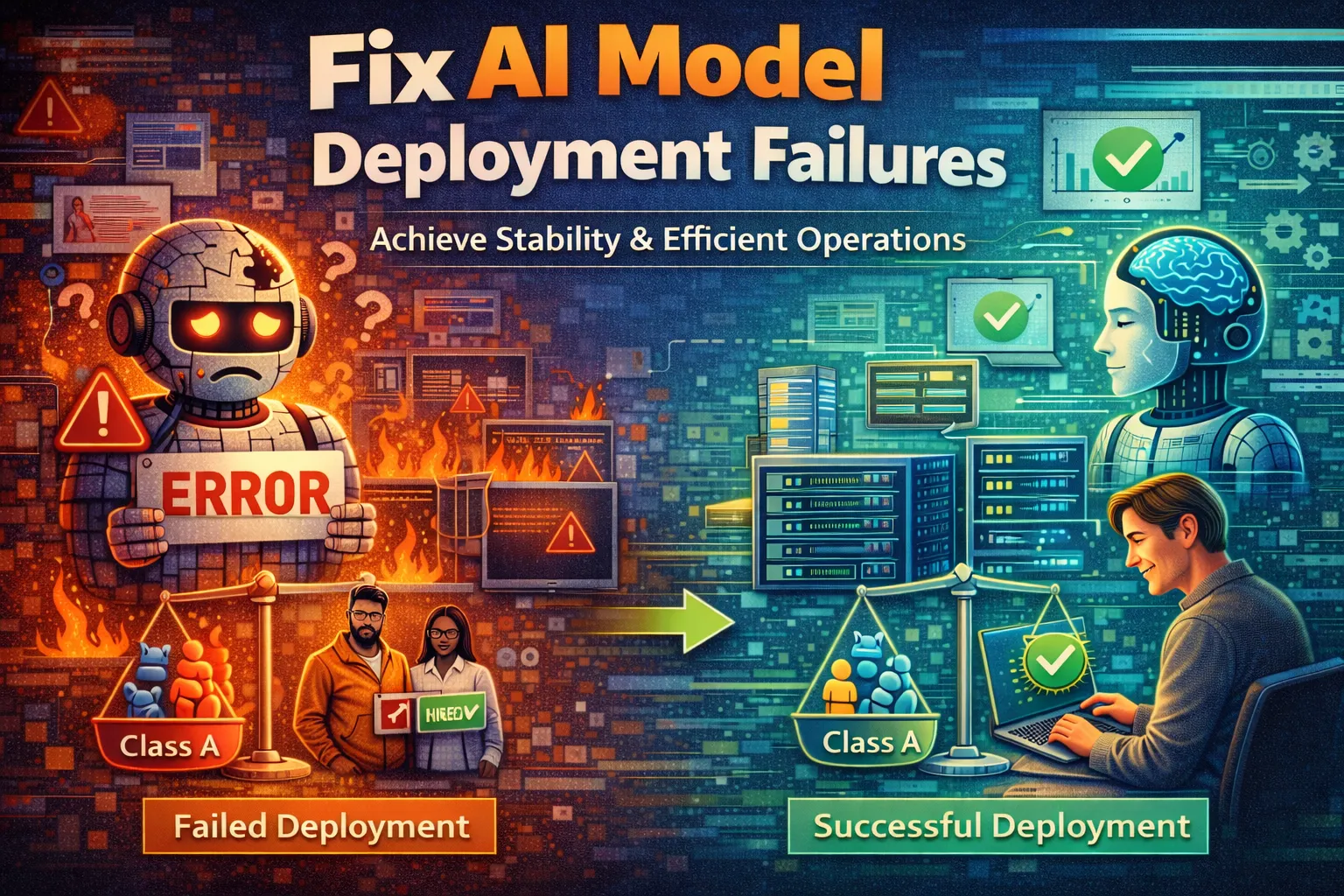
What Causes AI Model Deployment Failures?
Effectively troubleshooting AI model deployment failures requires understanding the root cause. These failures rarely stem from the model’s logic itself, but from the complex ecosystem it operates within during deployment.
- Environment & Dependency Mismatch: This is the #1 culprit behind AI model deployment failures. Your training environment (e.g., Python 3.9 and TensorFlow 2.10) is almost never identical to the production server. Missing system libraries, differing CUDA/cuDNN versions, or minor package discrepancies can cause ImportError or silent numerical errors that break predictions.
- Resource Constraints (Memory/CPU): Models that load and run locally may exceed the memory limits of a cloud container or serverless function. A “Killed” or “OOM” status often means your container needs more RAM — a resource-related form of AI model deployment failures that’s easy to overlook until production.
- Incorrect Model Serving Configuration: The web server or framework serving your model (like FastAPI, TensorFlow Serving, or TorchServe) must be configured correctly. Wrong port exposures, incorrect endpoint paths, or misconfigured serialization will cause AI model deployment failures or make the endpoint unreachable.
- Network & Permission Issues: In cloud environments, AI model deployment failures often occur because the container cannot access artifact storage (e.g., AWS S3, GCP Cloud Storage) due to missing IAM roles or security groups blocking traffic.
By mapping your specific error to one of these categories, you can directly apply the targeted fixes below to resolve AI model deployment failures.
Fix 1: Synchronize Dependencies with a Virtual Environment & Requirements Lock
This fix directly targets environment mismatch, the most common cause of AI model deployment failures. It ensures the exact Python packages and versions used during development are replicated in production, eliminating “ModuleNotFoundError” and version conflicts.
- Step 1: In your development environment, create or activate a virtual environment (e.g.,
python -m venv venvthensource venv/bin/activateon Linux/Mac orvenv\Scripts\activateon Windows). All package installations must happen inside this environment. - Step 2: Install all your project dependencies here, including the specific ML framework (TensorFlow, PyTorch), its correct CUDA version if using GPU, and helper libraries like NumPy and Pandas.
- Step 3: Generate a locked requirements file using
pip freeze > requirements.txt. For more robust locking, usepip-compilefrompip-toolsto generate a file with all transitive dependencies pinned. - Step 4: In your production Dockerfile or deployment script, copy this
requirements.txtfile and install usingpip install -r requirements.txt --no-cache-dirto guarantee the same package ecosystem.
After this fix, your build process should no longer fail due to missing packages. The model will have the identical software context it was trained in, resolving many silent prediction bugs.
Fix 2: Resolve Memory Limits by Optimizing Model & Batch Size
When you encounter “Killed”, “OOM”, or “CUDA out of memory” errors, your model is exceeding the allocated RAM or VRAM. This category of AI model deployment failures reduces the model’s memory footprint to fit within your deployment environment’s constraints.
- Step 1: Immediately reduce the inference batch size. In your serving code, locate the batch prediction call and hard-set the batch size to 1 (e.g.,
model.predict(input_data, batch_size=1)). This is the fastest way to test if memory is causing your AI model deployment failures. - Step 2: Profile your model’s memory usage. For PyTorch, use
torch.cuda.memory_allocated(); for TensorFlow, monitor with a profiler. This confirms the peak memory consumption during inference. - Step 3: Apply model optimization. Use framework tools like TensorRT or ONNX Runtime to apply quantization (converting model weights from 32-bit to 16-bit or 8-bit precision), dramatically reducing memory usage with minimal accuracy loss.
- Step 4: Increase allocated resources. If optimization isn’t sufficient, edit the pod’s
resources.limits.memoryin Kubernetes, or choose a larger instance type in SageMaker or Vertex AI to give the model the headroom it needs.
Following these steps should eliminate out-of-memory crashes. If the model deploys but the API fails, the next fix addresses configuration-layer AI model deployment failures.
Fix 3: Validate and Correct Model Serving API Configuration
A model container that runs but is inaccessible or returns errors is typically misconfigured at the API layer. This type of AI model deployment failures is common and entirely preventable with proper server setup.
- Step 1: Verify the server is listening on the correct port. Your application code (e.g.,
uvicorn.run(app, host="0.0.0.0", port=8080)) must match the port exposed in your Dockerfile (EXPOSE 8080) and the port mapped by your orchestration tool. A port mismatch is one of the quickest routes to AI model deployment failures. - Step 2: Standardize the input/output schema. Explicitly define the expected input shape and data type in your API using Pydantic models in FastAPI. Ensure your preprocessing logic in the API matches the training pipeline exactly to avoid shape mismatches.
- Step 3: Configure health and readiness endpoints. Most orchestration systems (Kubernetes, ECS) probe
/healthand/readyto determine if the container is alive. Missing these endpoints is a silent cause of failures during rollout. - Step 4: Test the endpoint locally before deployment. Build your Docker image and run it locally (
docker run -p 8080:8080 your-image), then usecurlor Postman to send a sample request and confirm you get a valid response.
After correcting the API configuration, your model server should be reachable and return proper predictions, resolving “connection refused” or “404 Not Found” AI model deployment failures.
Fix 4: Diagnose Network and IAM Permission Blockers
This fix targets silent failures where your model container runs but cannot access critical external resources. Permission and network misconfigurations are a frequent root cause of AI model deployment failures in cloud environments, and they systematically checks and corrects network connectivity and IAM policies.
- Step 1: Test network egress from within the container. If your model loads weights from cloud storage (e.g., an S3 bucket), add a connectivity test to your startup script:
curl -I https://storage.googleapis.comornc -zv s3.amazonaws.com 443. A failed connection here confirms network-level AI model deployment failures. - Step 2: Verify IAM roles and service accounts. In your cloud console (AWS IAM, GCP IAM & Admin), confirm the compute instance or service account running your container has the necessary permissions, such as
s3:GetObjectorstorage.objects.get. - Step 3: Check security group and firewall rules. Ensure the subnet or VPC hosting your deployment allows outbound HTTPS traffic (port 443) to required service endpoints and that no overly restrictive network policies are blocking connections.
- Step 4: Implement explicit credential handling. For services like AWS, ensure credentials are passed via environment variables (
AWS_ACCESS_KEY_ID,AWS_SECRET_ACCESS_KEY) or that the instance profile is correctly attached, avoiding reliance on ambiguous default credential chains.
Resolving these access issues will allow your model to successfully fetch artifacts and dependencies, moving past the initialization hangs that characterize permission-related AI model deployment failures.
Fix 5: Stabilize the Runtime with Container Health Checks and Logging
Intermittent crashes or unresponsive containers after deployment often stem from unmonitored runtime issues. This fix implements proactive monitoring and logging to catch and diagnose the runtime failures that cause recurring AI model deployment failures in production.
- Step 1: Implement comprehensive logging. Instrument your serving application to log key events — model load, prediction request, error — with structured JSON using a framework like Python’s
structlog. Ensure logs are written tostdout/stderrso your container runtime can collect them. - Step 2: Configure meaningful health checks. Beyond a simple
/healthendpoint, create a/healthzendpoint that verifies the model object is loaded in memory and can perform a single tensor operation to catch in-memory failures post-launch. - Step 3: Set resource-based liveness probes. In your Kubernetes deployment YAML, define a liveness probe that restarts the container if the health check fails, and a startup probe with a longer delay to account for slow model loading.
- Step 4: Centralize log aggregation. Route container logs to Google Cloud Logging, Amazon CloudWatch, or an ELK stack to search for errors like “Killed” or segmentation faults that are otherwise invisible in production.
With robust logging and health checks in place, you’ll gain the visibility needed to diagnose runtime crashes and prevent recurring AI model deployment failures.
Fix 6: Verify and Standardize the Model Artifact Format
Deployments fail when the production system cannot correctly load or interpret the saved model file. This final fix ensures your serialized model is in a robust, framework-agnostic format and validates its integrity before deployment — a critical guard against artifact-caused AI model deployment failures.
- Step 1: Convert to a standardized format. Save your trained model using an interoperable format like ONNX or TensorFlow SavedModel. For PyTorch, use
torch.onnx.export()ortorch.jit.script()to produce a more portable artifact less prone to AI model deployment failures on the target runtime. - Step 2: Validate the exported model. Use the respective runtime (e.g.,
onnxruntimeortensorflow-serving) to load the model in a separate validation script and run a dummy inference, confirming it works outside your training code before deployment. - Step 3: Ensure all custom code is packaged. If your model uses custom layers or preprocessing functions, they must be registered and bundled with the model. Missing custom code is a reliable trigger for AI model deployment failures at load time.
- Step 4: Create a deterministic build pipeline. Automate steps 1–3 in your CI/CD pipeline so every new model version is automatically converted, validated, and pushed to a model registry — guaranteeing only verified artifacts are ever deployed.
This process eliminates “unknown op” or deserialization errors. If all six fixes fail to resolve your AI model deployment failures, a deeper systemic issue may be at play.
When Should You See a Professional?
If you have meticulously applied all six fixes — synchronized dependencies, optimized resources, configured the API, verified permissions, stabilized the runtime, and validated the artifact — yet AI model deployment failures persist, the issue likely resides in deeply integrated cloud platform services or proprietary hardware.
Specific signs demanding expert intervention include consistent GPU driver incompatibilities on specific cloud instance types, or complex networking issues within a managed Kubernetes service like GKE involving VPC peering and firewall rules beyond standard IAM. These are the kinds of AI model deployment failures that mirror the advanced networking scenarios outlined in Google’s GKE troubleshooting guide.
Your next step should be to engage your cloud provider’s premium support with detailed logs and a reproducible test case, or consult an MLOps specialist familiar with your specific deployment stack.
Frequently Asked Questions About AI Model Deployment Failures
Why does my AI model work in Jupyter but fail when deployed as an API?
This classic discrepancy almost always stems from an environment mismatch — the most common cause of AI model deployment failures. Your Jupyter notebook likely runs in a local Conda or pip environment with specific package versions and full filesystem access, while the deployed API runs inside a container with a different OS, Python version, or missing system libraries.
The API server also applies constraints like request timeouts and memory limits that your interactive notebook does not. To fix this, replicate your local environment using the dependency locking from Fix 1 and test the API locally in a container before cloud deployment.
How do I choose between CPU and GPU for model deployment?
The choice hinges on your model’s complexity, required latency, and cost constraints. Use a GPU if your model is a large neural network requiring low-latency real-time predictions; use a CPU for smaller models or batch processing where cost matters more. Always profile your specific model on both targets before committing.
Remember, deploying with GPU adds complexity — it requires correct CUDA driver versions in your container, and a version mismatch is a leading cause of GPU-specific AI model deployment failures. Profile first, then decide.
What is the best way to manage model versions in production?
Implement a dedicated model registry as part of your MLOps pipeline. Tools like MLflow Model Registry, Verta, or cloud-native options (Google’s Vertex AI Model Registry, SageMaker Model Registry) let you store, version, annotate, and stage model artifacts reliably.
The best practice is to treat models like code: each training run produces a versioned artifact stored in the registry, and your CI/CD pipelines pull a specific version by its unique ID. This prevents the common AI model deployment failures that come from deploying an untested or incorrectly labeled model file.
Can A/B testing cause deployment failures for my AI models?
Yes, improperly implemented A/B testing can introduce new AI model deployment failures. Running multiple model versions concurrently doubles the memory and CPU load, potentially triggering resource limit errors if not accounted for. The routing layer also becomes a new point of failure — if it misroutes traffic or fails to load a model variant, users get errors.
To mitigate this, deploy your A/B testing framework in a staging environment first, load-test the combined resource usage, and ensure robust health checks are in place for each model variant before going live.
Conclusion
Ultimately, resolving AI model deployment failures is a systematic process of isolating the failure layer — environment, resources, configuration, network, runtime, or artifact. By progressing through these six targeted fixes, you move from ensuring dependency parity and memory fitness to locking down API specs, access permissions, system stability, and model portability.
This layered approach transforms cryptic AI model deployment failures into diagnosable and solvable engineering tasks. Start with Fix 1 and work through the list methodically — the solution is here.
We want to hear about your success — comment below to let us know which fix resolved your AI model deployment failures, or share this guide with your team to streamline your MLOps pipeline.
Visit TrueFixGuides.com for more.