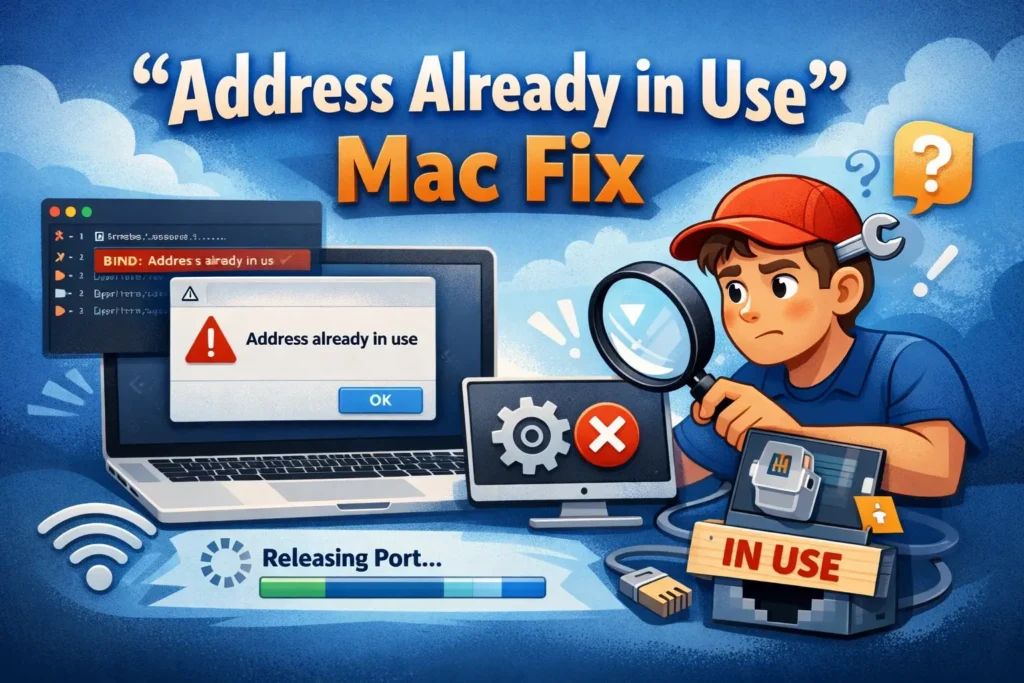
Fix Ollama “Address Already in Use” on macOS
Find what is using Ollama’s local port on macOS, reuse the running server, stop the right process safely,...
Find what is using Ollama’s local port on macOS, reuse the running server, stop the right process safely,...

Struggling with AI code generation bugs? Our expert guide reveals 6 proven fixes for syntax errors, logic flaws,...

Stop your AI chatbot from forgetting the conversation. Learn 6 proven fixes for context loss, from simple refreshes...
AI automation workflow failing? Follow these 6 critical fixes to diagnose and resolve errors, data mismatches, and integration...

Stuck at the login screen? Fix AI authentication and login issues with these 6 proven methods. Get back...

AI fine-tuning failing? Fix overfitting, data errors, and training crashes with these 6 expert-proven solutions. Get your model...

AI can invent facts and citations. Use primary sources, verify claims, allow uncertainty, and test changes to reduce...

Struggling with AI GPU memory overload? Learn 6 proven fixes to clear VRAM errors, stop crashes, and train...

Frustrated by AI image generation errors? Follow our 6 proven fixes for blurry, distorted, or failed images. Get...

AI inference engine failing? Get 6 proven fixes for slow responses, errors, and crashes. Restore your model's performance...
Search for an error message, app, or device, or browse the device categories. Check the steps and any model or version notes before following a fix.
Troubleshooting can carry risks, especially when it changes system settings or data. Read each step first, back up important data, and stop if it does not match your device.
Try another relevant guide or contact us with your device model, software version, and exact error message.
Some guides cover older devices and software. Search for your model or version and check the guide date and compatibility details.