6 Critical Ways to Fix AI Model Versioning Conflicts
AI model versioning conflicts can bring your machine learning pipeline to a grinding halt. You’ll see cryptic import errors, failed model loads, or — worse — silent performance degradation where a model runs but gives wildly different predictions.
These AI model versioning conflicts typically arise when different versions of a model depend on incompatible software libraries, framework versions, or data schemas. This guide cuts through the complexity with six actionable, expert-level fixes.
We’ll start by diagnosing the root cause of AI model versioning conflicts and then walk you through proven solutions to restore stability and reproducibility to your ML workflow.
What Causes AI Model Versioning Conflicts?
Effectively resolving AI model versioning conflicts requires understanding their origin. Conflicts aren’t random — they stem from specific, traceable breakdowns in your development and deployment environment management.
- Dependency Hell: This is the classic culprit behind AI model versioning conflicts. Different model versions are often trained with specific, and sometimes conflicting, versions of core libraries like TensorFlow, PyTorch, scikit-learn, or CUDA/cuDNN drivers. Attempting to run them in a single environment forces an incompatible version to be installed, breaking one or both models.
- Lack of Environment Isolation: Running all projects in your system’s global Python environment is a recipe for AI model versioning conflicts. A package update for a new project can inadvertently break the dependencies of an older, deployed model, leading to sudden and hard-to-diagnose failures in production.
- Incomplete Artifact Tracking: Saving only the model weights without the accompanying code, dependency list, and data preprocessing logic makes exact reproduction impossible. A “successful” load with newer libraries can mask the subtle behavioral changes that cause AI model versioning conflicts.
- Schema or Data Drift: The conflict may not be in the code, but in the data. A model version trained on data with a specific feature set will fail or malfunction if served data with a different structure, creating a data-driven form of AI model versioning conflicts.
Identifying which of these causes is at play is the first step toward applying the correct fix below.
Fix 1: Isolate with Virtual Environments
This is your first and most critical line of defense against AI model versioning conflicts. Virtual environments create isolated sandboxes for each project, preventing system-wide package clashes.
It directly targets the “Lack of Environment Isolation” root cause of AI model versioning conflicts by giving each model version its own dependency universe.
- Step 1: Create a dedicated virtual environment for your model project. Navigate to your project folder and run:
python -m venv model_v1_env(or useconda create -n model_v1_env python=3.9for Conda). - Step 2: Activate the environment. On Windows, run
model_v1_env\Scripts\activate. On macOS/Linux, runsource model_v1_env/bin/activate. Your terminal prompt should change to show the environment name. - Step 3: With the environment active, install the exact dependencies. Use a pre-saved
requirements.txtfile:pip install -r requirements.txt. If you don’t have one, install packages manually and immediately runpip freeze > requirements.txtto lock versions. - Step 4: Always ensure the correct environment is activated before running, training, or serving your model. This guarantees the library versions used are exactly the ones the model expects.
After this fix, your model should run without import errors related to missing or mismatched packages. For the next level of isolation, we’ll look at containerization.
Fix 2: Containerize with Docker
When virtual environments aren’t enough — especially for production deployment or complex system dependencies — containerization is the ultimate solution for AI model versioning conflicts. Docker packages your model, its code, and its entire system environment into a portable, immutable image.
- Step 1: Create a
Dockerfilein your project root. Start with a base image matching your framework, likeFROM tensorflow/tensorflow:2.8.0-gpufor a specific TensorFlow version. - Step 2: Copy your project files into the container using
COPY . /appandWORKDIR /app. Then install additional Python dependencies withRUN pip install -r requirements.txt. - Step 3: Define the container’s startup command. For a model server, use
CMD ["python", "serve.py"]. This ensures the model runs in its pre-configured context every time. - Step 4: Build the image (
docker build -t model:v1 .) and run it (docker run -p 8501:8501 model:v1). Each model version gets its own container, with zero interference — the most complete fix for AI model versioning conflicts on shared infrastructure.
You now have a fully isolated, shippable unit for your model. This solves library conflicts and system-level inconsistencies in multi-model deployments. Next, we’ll manage the dependencies themselves more precisely.
Fix 3: Pin Exact Dependency Versions
Vague dependencies like tensorflow>=2.0 are a primary source of AI model versioning conflicts. Pinning specifies the exact library version your model was tested with, creating a reproducible blueprint that eliminates guesswork.
- Step 1: In your active project environment, generate a precise snapshot of all installed packages. Run
pip freeze > requirements.txt. This creates a list with exact version numbers (e.g.,tensorflow==2.8.0,numpy==1.22.4). - Step 2: For Conda users, export an even more robust environment file with
conda env export > environment.yml. This captures Python version, Conda channels, and both Pip and Conda packages. - Step 3: Treat these files as core model artifacts. Commit
requirements.txtorenvironment.ymlto your version control system alongside your model code and training scripts. - Step 4: Never install packages with unpinned versions in a production model environment. Always install from the pinned file using
pip install -r requirements.txtto guarantee an identical dependency tree.
With pinned dependencies, rebuilding the environment anywhere will yield the same library versions, preventing subtle conflicts caused by minor updates. This is foundational for reliable model versioning.
Fix 4: Use a Model Registry for Artifact Management
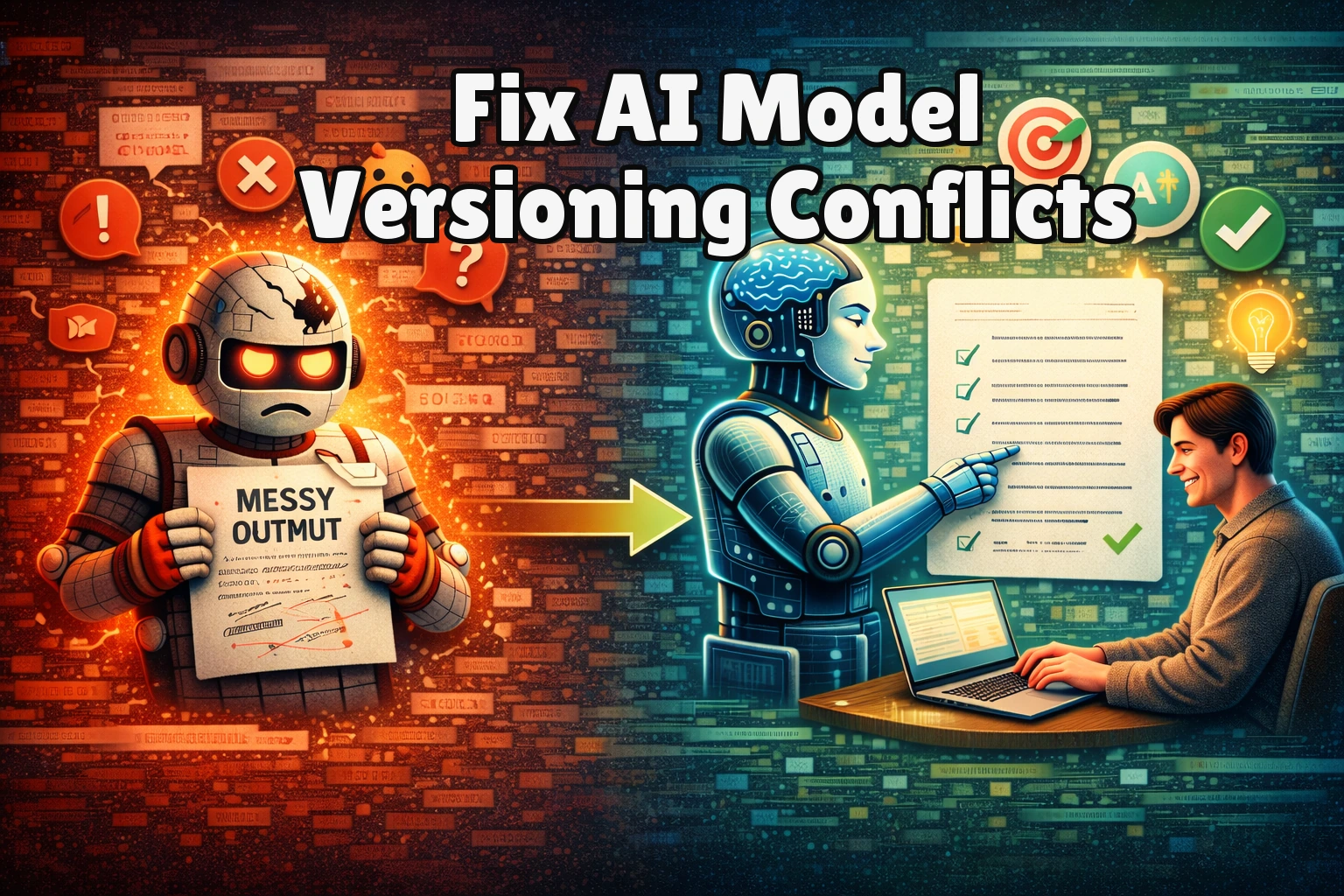
This fix directly addresses incomplete artifact tracking — a root cause of AI model versioning conflicts. A model registry acts as a single source of truth, storing not just the model file but also its metadata, dependencies, and lineage.
By ensuring you can always retrieve the exact, working artifact, a model registry eliminates the “it worked last week” form of AI model versioning conflicts.
- Step 1: Choose and set up a model registry. Popular options include MLflow Model Registry, Weights & Biases (wandb), or cloud-native solutions like Google Cloud AI Platform Model Registry or Amazon SageMaker Model Registry.
- Step 2: Log your model as a new version. For example, using MLflow, log the model with
mlflow.sklearn.log_model(sk_model, "my_model"), which automatically captures the active Conda environment or a specifiedrequirements.txtfile. - Step 3: Add comprehensive metadata. Tag the model version with the training dataset hash, framework version, and performance metrics. This creates an immutable record that makes AI model versioning conflicts traceable and reversible.
- Step 4: Deploy or load models exclusively from the registry by name and version number, guaranteeing you get the complete, vetted package — not a local file path that may have drifted from the known-good state.
Success means you can reliably roll back to a previous model version with all its dependencies intact, eliminating “works on my machine” AI model versioning conflicts entirely.
Fix 5: Implement Strict Data Schema Validation
When AI model versioning conflicts stem from schema or data drift, your model receives unexpected input, causing runtime errors or silent performance decay. This fix enforces a contract between your training and serving pipelines.
- Step 1: Define and save a data schema at training time. Use a library like Pandas (
DataFrame.dtypes), TensorFlow Data Validation (TFDV), or Pydantic to record feature names, data types, allowed value ranges, and tensor shapes. - Step 2: Serialize this schema as a versioned artifact. Save it alongside the model weights in your model registry. For example, use
tfdv.write_schema_text(schema, 'schema.pbtxt')to create a referenceable contract. - Step 3: Integrate schema validation into your serving pipeline. Before feeding data to the model for inference, load the saved schema and validate the incoming request against it, checking for missing features or type mismatches.
- Step 4: Reject or correct invalid data. If validation fails, return a clear error (e.g., “Input missing required feature ‘user_age'”) or apply predefined imputation logic to align with the training schema.
You’ll know this works when deployment errors shift from cryptic model failures to clear, actionable data validation messages — the hallmark of properly managed AI model versioning conflicts at the data layer.
Fix 6: Leverage CI/CD for Version Compatibility Testing
This proactive fix catches AI model versioning conflicts before they reach production. By integrating compatibility checks into a Continuous Integration/Continuous Deployment (CI/CD) pipeline, you automatically test new model versions against existing systems and dependencies.
- Step 1: Set up a CI/CD workflow using GitHub Actions, GitLab CI, or Jenkins. Trigger it on pull requests or new commits to your model repository.
- Step 2: In the workflow, create a test stage that builds the model’s environment from its pinned dependency file (e.g.,
requirements.txt). This immediately reveals any unresolvable library conflicts. - Step 3: Add an integration test that loads the newly trained model and runs inference on a small, static validation dataset. Compare outputs to a known baseline to detect any behavioral regression — the most insidious form of AI model versioning conflicts.
- Step 4: Implement canary or A/B deployment strategies. If tests pass, deploy the new model version to a small percentage of traffic and monitor for performance anomalies before a full rollout.
Successful implementation means failed builds or tests block problematic deployments, giving you confidence that new versions won’t cause AI model versioning conflicts in existing services.
When Should You See a Professional?
If you’ve methodically applied all six fixes — from environment isolation to CI/CD — and still face persistent, unexplainable AI model versioning conflicts, the issue may transcend software configuration.
This often indicates a deeply corrupted core system environment, a hardware-level incompatibility (like specific GPU driver conflicts with a model framework version), or broken system permissions. Signs demanding expert intervention include consistent segmentation faults during model inference, or inability to install any version of critical low-level libraries like CUDA despite following official guides. Consulting official documentation, like NVIDIA’s CUDA Toolkit Archive, is crucial, but if AI model versioning conflicts persist at this level, professional diagnosis is needed.
Your next step should be to contact your cloud provider’s ML support team, the hardware manufacturer, or a certified system administrator who can audit your base system for underlying faults.
Frequently Asked Questions About AI Model Versioning Conflicts
Can I run two different versions of TensorFlow on the same system?
You cannot run two different global installations of TensorFlow simultaneously, but you can absolutely run them side-by-side using the isolation techniques in this guide. The most effective method is to use separate virtual environments or Docker containers for each project — the standard professional approach for resolving AI model versioning conflicts across multiple framework requirements.
Each environment acts as a sandbox with its own independent Python path, allowing Environment A to run TensorFlow 2.8.0 and Environment B to run TensorFlow 2.12.0 without any conflict. This is fundamental to eliminating versioning conflicts in multi-project workflows.
How do I find out which library version is causing a conflict in my AI model?
Start by checking the exact error traceback, which often names the problematic module. Then, in your active environment, run pip list or conda list and compare the output to the pinned requirements.txt from when the model was known to work. Tools like pip check can also identify incompatible package combinations that cause AI model versioning conflicts.
For more complex dependency hell, inspect the model’s metadata in a model registry, which should store the exact software bill of materials used during training — making it straightforward to trace the source of any versioning conflict.
What is the difference between model versioning and code versioning?
Code versioning (e.g., using Git) tracks changes to source code files like training scripts and configuration. Model versioning is a broader concept that tracks the packaged artifact — model weights, exact dependency versions, training data snapshot, and hyperparameters. AI model versioning conflicts arise most often when only one of these is managed.
A single code commit can produce multiple model versions if trained with different data or random seeds. Proper MLOps requires both: Git for code lineage and a model registry for artifact lineage to prevent AI model versioning conflicts across the full development lifecycle.
Why does my model work in training but fail when deployed?
This classic deployment mismatch is a hallmark of AI model versioning conflicts. The failure usually stems from a difference between the training and serving environments — a different ML framework version, missing preprocessing steps, or an inconsistent data schema where served data has different feature names or types.
The fixes involve containerization to unify environments, strict schema validation, and using a model registry to ensure the deployed artifact is a complete, self-contained package that cannot be affected by versioning conflicts in the serving infrastructure.
Conclusion
Ultimately, resolving AI model versioning conflicts requires a systematic approach to environment and artifact management. We’ve progressed from foundational isolation using virtual environments and Docker, to precise control via dependency pinning and model registries, to data schema validation and automated prevention with CI/CD pipelines.
Together, these six strategies form a defense-in-depth approach that tackles AI model versioning conflicts from every angle, ensuring model reproducibility and stability from development through to production deployment.
Start with Fix 1 and work your way down the list until your workflow is robust. Did one of these fixes solve your AI model versioning conflicts? Share your experience in the comments below or pass this guide to a colleague struggling with similar model management challenges.
Visit TrueFixGuides.com for more.