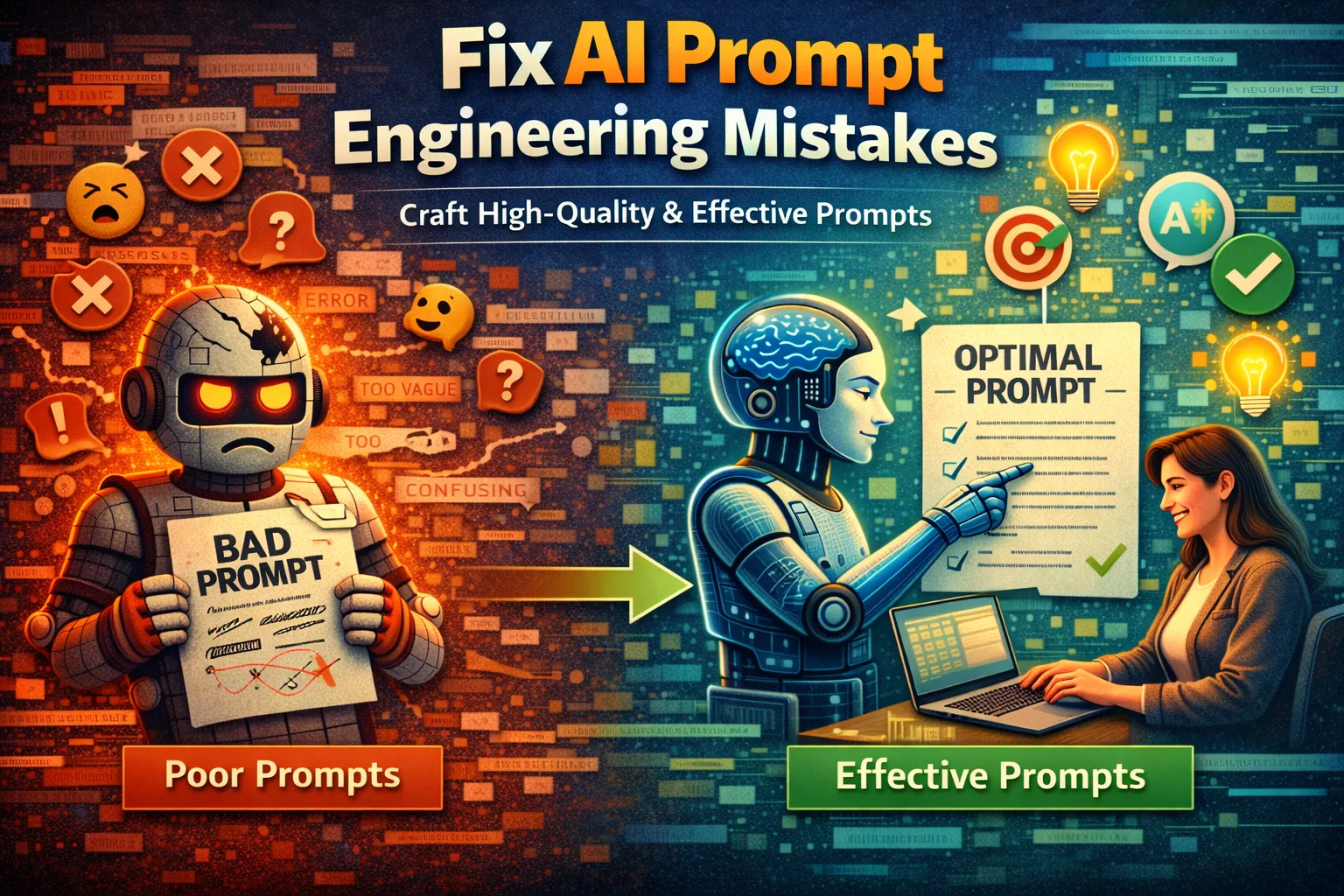
6 Critical Ways to Fix AI Prompt Engineering Mistakes
You’ve crafted a prompt for your AI assistant, but the response is off-target, generic, or completely misses the mark. This frustrating experience is a direct result of common AI prompt engineering mistakes.
Whether you’re getting overly verbose essays instead of concise summaries, factual inaccuracies, or outputs that ignore your key instructions, the problem isn’t the AI’s capability — it’s how you’re communicating with it. Effective AI prompt engineering is the bridge between a vague idea and a precise, valuable result.
This guide will diagnose the root causes of poor AI outputs and provide six actionable, expert-vetted fixes to transform your interactions and get the useful, accurate content you need every time.
What Causes AI Prompt Engineering Mistakes?
Understanding why your prompts fail is the first step to fixing them. AI prompt engineering errors typically stem from a mismatch between human thought and AI processing logic.
- Vagueness and Lack of Context: AI models lack real-world experience. A prompt like “write about marketing” provides no target audience, desired tone, key points, or format, forcing the AI to guess and produce generic content. This is the most common AI prompt engineering mistake beginners make.
- Poor Information Structure: Dumping all your thoughts into a single, run-on sentence overwhelms the AI’s attention mechanism. Critical details get lost, leading to outputs that ignore your most important specifications — a structural failure in AI prompt engineering.
- Assuming Prior Knowledge: Treating the AI like a human collaborator who remembers past conversations is a major AI prompt engineering error. Each prompt is largely evaluated in isolation, so failing to restate necessary context dooms the response.
- Neglecting Output Formatting: If you don’t specify how you want information presented, the AI will choose a default that rarely matches what you needed. This leads to extra manual reformatting work and is easily avoided with better AI prompt engineering.
These core issues manifest as the frustrating symptoms you see every day. The following fixes directly target these AI prompt engineering causes to refine your technique.
Fix 1: Apply the Role-Goal-Format Framework
This fix combats vagueness by providing the AI with a clear structure for every request. It’s the most foundational upgrade you can make to your AI prompt engineering practice.
- Step 1: Define the Role. Start your prompt by assigning the AI a specific persona. Instead of a generic query, write: “You are an experienced financial advisor for young professionals.”
- Step 2: State the Clear Goal. Explicitly state what you want the AI to accomplish within that role. For example: “Your goal is to explain the concept of index fund investing.”
- Step 3: Specify the Exact Format. Dictate the structure of the output. Be precise: “Provide the explanation in a 5-bullet point summary, using simple language under 500 words total.”
- Step 4: Combine and Execute. Put it all together into a single, structured prompt. This AI prompt engineering approach yields focused, immediately usable results by eliminating all ambiguity upfront.
You should receive a concise, on-topic summary formatted exactly as requested. This framework is your foundational tool for preventing the most common AI prompt engineering mistakes from the very start.
Fix 2: Implement Strategic Prompt Chunking
When complex requests fail, it’s often due to “detail dilution.” This fix breaks a large task into manageable, sequential steps, giving the AI focused directives one at a time for higher accuracy.
- Step 1: Deconstruct the Master Task. Identify the main components of your request. For creating a blog post, the chunks are: Topic/Outline, Introduction, Main Sections, Conclusion.
- Step 2: Execute Chunk 1 in Isolation. Prompt the AI for the first chunk only. Apply Fix 1’s Role-Goal-Format structure to keep your AI prompt engineering tight and focused.
- Step 3: Feed Outputs Forward as Context. Once you have the approved outline, your next prompt includes it: “Using the outline below, write the introduction paragraph. [Paste outline]. Goal: Write a hook-driven intro under 100 words.”
- Step 4: Iterate Through Remaining Chunks. Repeat Step 3 for each subsequent section, always providing the necessary context from previous steps to maintain coherence and prevent drift.
This methodical AI prompt engineering process gives you control at each stage, allowing for mid-course corrections and ensuring the final output is fully aligned with your vision.
Fix 3: Master Iterative Refinement with Direct Feedback
Don’t discard a subpar output and start over. This fix teaches you to treat the AI’s response as a first draft and use targeted, instructional feedback to steer it toward perfection.
- Step 1: Isolate What’s Wrong. Analyze the flawed response. Is the tone incorrect? Is a section missing? Diagnose the specific flaw, e.g., “The conclusion is repetitive and doesn’t include a call-to-action.”
- Step 2: Provide Corrective, Actionable Instructions. Give the AI a direct command to fix the specific issue. Do not just say “make it better.” Command: “Rewrite the conclusion paragraph. Summarize the three key points and end with a strong call-to-action for readers to subscribe.”
- Step 3: Use Negative and Positive Steering. Tell the AI what to avoid and what to include. For example: “Avoid technical jargon. Instead, use analogies a beginner would understand. Also, add two real-world use cases.”
- Step 4: Iterate Until Satisfied. Submit your refinement prompt and evaluate the new output. Repeat Steps 1–3 with even more precise instructions until the result meets your standards.
This transforms the interaction into a collaborative editing process. You will see rapid improvement with each clear instruction — the hallmark of skilled AI prompt engineering.
Fix 4: Engineer Your Input with Delimiters and Examples
This fix targets the AI prompt engineering mistake of providing unstructured, ambiguous data. Using clear delimiters and examples establishes unambiguous boundaries and provides a concrete template for the desired output format and style.
- Step 1: Separate Instructions from Data. Use clear markers like ###, “`, or — to separate your command from the content you’re providing. Start: “Summarize the key points from the following text: ### [Your full text here] ###”
- Step 2: Provide a Clear Example (Few-Shot Prompting). Show the AI exactly what you want. This AI prompt engineering technique — giving examples before the real task — dramatically improves output accuracy.
- Step 3: Specify the Delimiter’s Role. Explicitly tell the AI how to use the markers: “Everything between the triple hashtags (###) is the source material. Do not summarize any text outside these delimiters.”
- Step 4: Combine for a Structured Query. Integrate all elements: “You are a data parser. Using the example format provided, extract all dates and event names from the text between the “` markers.” This eliminates parsing errors.
You will receive an output that correctly processes only the specified data and mirrors your example’s format. This precision directly counters the most common AI prompt engineering errors involving ambiguous input.
Fix 5: Systematically Adjust Temperature and Top-P Settings
When outputs are too chaotic or overly rigid, the issue is the AI’s “creativity” setting. This advanced AI prompt engineering fix gives you direct control over the model’s randomness (temperature) and focus (top_p).
- Step 1: Identify the Task’s Creativity Needs. For factual summaries, code, or data extraction, you need low randomness. For creative writing or idea generation, higher randomness is beneficial.
-
Step 2: Apply a Low-Temperature Setting for Precision. In platforms that allow it (like OpenAI’s API playground), set
temperature=0.2andtop_p=0.1. This makes the AI highly deterministic and focused on the most factual responses. -
Step 3: Apply a High-Temperature Setting for Divergence. For brainstorming, set
temperature=0.8andtop_p=0.9. This allows the model to explore a wider range of ideas and generate more varied, novel outputs. - Step 4: Test and Iterate the Settings. Run the same prompt with different temperature values and compare outputs to find the optimal balance for your specific AI prompt engineering use case.
You will gain predictable, repeatable results for technical tasks and more inventive ideas for creative ones. Mastering these parameters is an advanced technique that fixes outputs plagued by unwanted randomness or stifling blandness.
Fix 6: Conduct a Premortem to Anticipate Failure Modes
This proactive AI prompt engineering fix addresses the mistake of assuming the AI will interpret your prompt correctly. By preemptively identifying how a prompt could be misunderstood, you build safeguards directly into your initial instruction.
- Step 1: State Your Ideal Outcome. Write your initial prompt as you normally would. For example: “Write a product description for a new wireless keyboard.”
- Step 2: Brainstorm Potential Misinterpretations. Ask yourself: How could this go wrong? The AI might ignore key features, use the wrong brand voice, make up specs, or write the wrong length.
- Step 3: Inject Preemptive Constraints. Revise your prompt by adding clauses that block each failure mode. “Write a 150-word product description for the ‘SwiftType’ wireless keyboard. Do not make up technical specifications — only mention the listed features: Bluetooth 5.3, 3-month battery. Use a professional yet enthusiastic tone.”
- Step 4: Include a Validation Request. Add a final instruction for the AI to self-check: “After writing the description, state which of the listed features you included.” This creates an internal verification step that strengthens your AI prompt engineering discipline.
Your final prompt will be robust and failure-resistant, leading to first-pass outputs that require far less corrective feedback. This strategic mindset is what separates basic users from true AI prompt engineering practitioners.
When Should You See a Professional?
If you’ve meticulously applied all six fixes — from structured frameworks to parameter tuning — and your AI still consistently generates nonsensical or harmful content, the issue may transcend user-side AI prompt engineering mistakes.
This persistent failure could indicate you are working with a severely outdated, poorly fine-tuned, or intentionally restricted model that requires administrative access to retrain or reconfigure. In enterprise settings, this might involve adjusting content filtering and access policies at an admin level — well beyond the scope of AI prompt engineering.
In these cases, escalate to the platform’s technical support team, a machine learning engineer, or your organization’s IT admin who can diagnose model-level issues beyond prompt design.
Frequently Asked Questions About AI Prompt Engineering
What is the single most important thing to avoid in prompt engineering?
The single most critical AI prompt engineering error is ambiguity. Vague prompts force the AI to fill in gaps with its own assumptions, which rarely align with your intent. Always over-specify rather than under-specify — define the role, context, format, length, tone, and any constraints.
Treat the AI as a supremely capable but utterly literal assistant. A prompt like “write a summary” is an invitation to failure, while “write a three-sentence summary for a high school audience focusing on the causes of the event” provides a clear path to success through precise AI prompt engineering.
How can I get an AI to write in a very specific style or brand voice?
To capture a specific style, you must move beyond adjectives and provide concrete examples. Instruct the AI to adopt the voice, then follow it with a demonstration using the delimiter method. This technique — called few-shot learning — is a cornerstone of effective AI prompt engineering.
Paste 2–3 representative sentences of your brand voice, then say: “Now rewrite the following product announcement to match this exact style.” This gives the AI a precise template to emulate, fixing the common mistake of assuming it understands subjective terms like “engaging” or “conversational.”
Why does the AI sometimes ignore a clear instruction in my prompt?
When an AI ignores a clear instruction, it’s often due to “instruction burying” — a critical detail lost in a long, dense paragraph. The AI’s attention mechanism may prioritize the most prominent or recently mentioned information.
To fix this, place the most important commands at the very beginning or end of your prompt, or separate them using line breaks and symbols (e.g., “IMPORTANT: …”). Alternatively, use the chunking method from Fix 2 to ensure each directive gets its own focused interaction.
Can I use these techniques for all AI models (ChatGPT, Gemini, Claude, etc.)?
Yes, the core AI prompt engineering principles of clarity, structure, and iteration are universal across large language models like ChatGPT, Google Gemini, and Anthropic’s Claude. The fundamental architecture that processes your prompts responds to these best practices regardless of platform.
However, the degree of sensitivity can vary — some models may require more explicit examples, while others have different optimal temperature ranges. Apply these foundational AI prompt engineering fixes first, then fine-tune your approach based on the unique capabilities of the model you are using.
Conclusion
Ultimately, mastering AI interaction means systematically eliminating common points of failure. By applying the Role-Goal-Format framework, chunking complex tasks, refining iteratively, using delimiters, controlling creativity parameters, and conducting prompt premortems, you transform vague requests into precise, reliable outputs.
Each of these six fixes targets a specific root cause of poor AI performance, empowering you to move from frustrated user to skilled practitioner and avoid costly AI prompt engineering mistakes for good.
Start with Fix 1 in your next interaction and progressively integrate these strategies. Which fix had the biggest impact on your workflow? Share your experience in the comments below or pass this guide to a colleague who needs better AI prompt engineering skills.
Visit
TrueFixGuides.com
for more.
