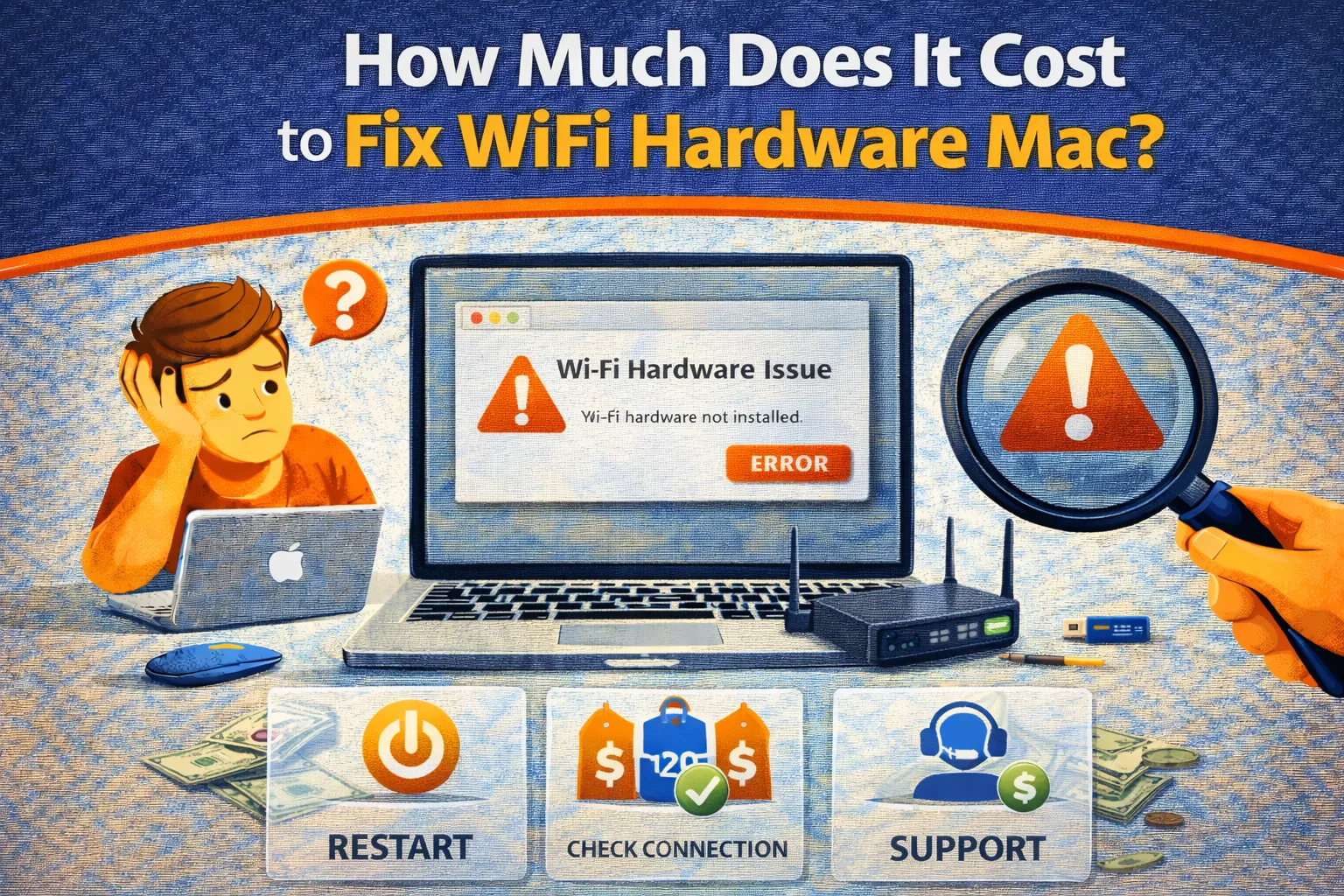
You wake your MacBook from sleep and notice the Wi-Fi icon is greyed out with an ominous “X” through it. Clicking
it reveals the dreaded error: “Wi-Fi: No Hardware Installed.” Unlike a simple software glitch, this message
usually implies your Mac has lost physical contact with its Wi-Fi hardware. But before you panic about expensive
repairs, understand the cost to fix wifi hardware mac ranges wildly—from a free reset to a full logic board replacement.
This guide breaks down the real cost to fix wifi hardware mac, what Apple typically replaces,
what independent shops may charge, and the practical workaround that can restore internet for $15–$30 without a motherboard swap.
Quick Fix (1 minute)
Before paying the cost to fix wifi hardware mac, confirm whether it’s truly hardware or a stalled system component:
- NVRAM Reset (Intel Only): Restart and hold Cmd + Option + P + R for 20 seconds.
- Delete Network Interfaces: Go to
/Library/Preferences/SystemConfiguration/and deleteNetworkInterfaces.plist. Restart. - Run Apple Diagnostics: Restart and hold D. If you get codes like CNW001 / CNW006, the cost to fix wifi hardware mac may involve parts.
- USB Wi-Fi Dongle ($20 workaround): A TP-Link or ASUS Nano adapter bypasses internal Wi-Fi hardware.
- Check Antenna Cable (older Macs): A hinge cable failure can mimic dead Wi-Fi hardware and affects the cost to fix wifi hardware mac.
Symptoms Checklist
These signs usually point toward a hardware-level issue and impact the cost to fix wifi hardware mac:
- Menu bar Wi-Fi icon shows an empty wedge with an “X”.
- System Information > Wi-Fi shows “CoreWLAN: No”.
- Bluetooth works, but Wi-Fi does not (or both fail together).
- The issue began after a drop, impact, or liquid exposure.
- Wi-Fi flickers when moving the screen (antenna cable damage).
Repair Cost Summary (Estimates)
Here’s the realistic cost to fix wifi hardware mac by era and repair type:
| Model Year | Part Type | Apple Store Cost | DIY Cost |
|---|---|---|---|
| MacBook Air/Pro (2012–2015) | Modular Wi-Fi/AirPort Card | $100 – $150 | $25 – $50 |
| MacBook Pro (2016–2020 Intel) | Soldered / Logic Board Repair | $400 – $600 | Not practical |
| MacBook Air/Pro (M1/M2/M3) | Integrated / Board-level | $400 – $800 | Not practical |
| With AppleCare+ | Any Model | $0–$99 typical | N/A |
| USB Dongle Workaround | External Adapter | N/A | $15 – $30 |
Why This Happens
On older Macs (pre-2016), Wi-Fi was a separate removable card. That keeps the cost to fix wifi hardware mac low,
because you can replace a small component. On newer Intel (2016+) and Apple Silicon Macs, Apple integrated Wi-Fi into the logic board.
That means a simple Wi-Fi failure can trigger a high cost to fix wifi hardware mac because the repair becomes board-level.
Another frequent culprit is the antenna cable running through the display hinge. A frayed or pinched cable can cause
intermittent “No Hardware Installed,” and depending on the model, the cost to fix wifi hardware mac may be closer to a small-part repair than a full board swap.
Fix Method 1: USB Dongle Workaround (Cheapest)
What this fixes
This avoids the high cost to fix wifi hardware mac on soldered models and restores internet for $15–$30.
- Buy a macOS-compatible USB Wi-Fi adapter (TP-Link or ASUS Nano).
- Confirm it supports your macOS version.
- Install the driver (if required).
- Connect through the dongle utility.
How to verify it worked
Internet works again immediately—without paying the cost to fix wifi hardware mac via board replacement.
Fix Method 2: AppleCare+ Service (Official)
What this fixes
If you have AppleCare+, your cost to fix wifi hardware mac may be near zero unless there is accidental damage.
- Check coverage at
checkcoverage.apple.com. - Book Genius Bar support.
- Bring diagnostic codes if available.
- Typical cost: $0 for defects, or $99–$299 if classified as accidental damage.
Fix Method 3: DIY Wi-Fi Card Replacement (Old Macs Only)
What this fixes
This is the lowest cost to fix wifi hardware mac option for 2012–2015 machines with modular cards.
- Identify your model (e.g., A1466).
- Buy a replacement AirPort card ($25–$50).
- Open bottom case, disconnect battery, swap the card.
Fix Method 4: Antenna Cable Repair (Hinge Issue)
What this fixes
If Wi-Fi dies when the lid moves, the antenna cable is likely damaged. This can reduce the cost to fix wifi hardware mac
versus a full logic board replacement.
- Confirm the issue is position-dependent (lid movement changes Wi-Fi behavior).
- Order the correct antenna part for your model.
- Follow a detailed teardown guide (high difficulty).
Fix Method 5: Software Reset (False Hardware Alert)
What this fixes
Sometimes the hardware is fine and macOS is misreporting it, which makes the cost to fix wifi hardware mac effectively $0.
- Finder > Go to Folder
- Path:
/Library/Preferences/SystemConfiguration/ - Delete:
com.apple.airport.preferences.plistcom.apple.network.identification.plistNetworkInterfaces.plistpreferences.plist
- Restart immediately.
Prevent This From Happening Again
- Reduce heat: Heat weakens radios and increases the cost to fix wifi hardware mac over time.
- Be gentle with the hinge: Protect antenna cables.
- Use Ethernet when possible: Less strain on Wi-Fi hardware.
- Avoid moisture: Water kills radios fast.
FAQ
Is it worth paying the cost to fix wifi hardware mac if it’s $600?
Blunt answer: usually no. If the Mac is older than ~3 years, a $600 repair approaches the device’s resale value. A $20 dongle is the better ROI.
Does a USB Wi-Fi dongle support AirDrop?
No. AirDrop/Handoff relies on Apple’s internal Wi-Fi + Bluetooth stack.
Why does it say “No Hardware Installed” after sleep?
Sometimes it’s a macOS wake bug. If reboots fix it temporarily, your cost to fix wifi hardware mac may be $0 (software).
Official References
Conclusion
The cost to fix wifi hardware mac depends on one factor: whether your Wi-Fi is modular (cheap) or soldered (expensive).
Run Diagnostics first. If it’s a board-level failure without AppleCare+, the USB dongle workaround is the smartest cost-controlled solution.
If it’s an older removable card, the cost to fix wifi hardware mac can be as low as $25–$50.
Visit https://truefixguides.com/ for more.