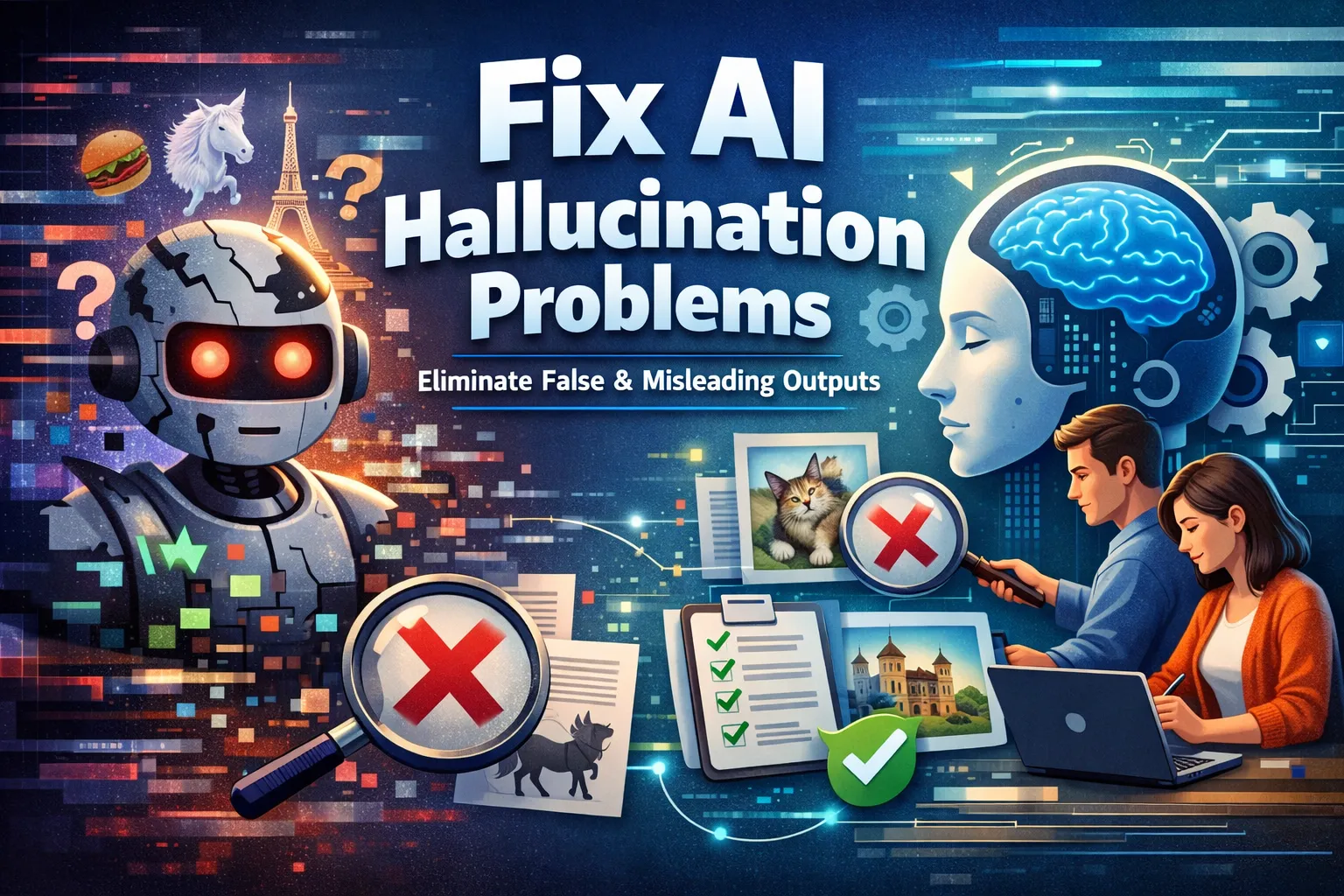
An AI answer can sound certain while giving a wrong date, inventing a citation, or describing a feature that does not exist. You cannot make a generative model perfectly factual with a prompt. You can reduce errors by narrowing the task, supplying trustworthy material, and checking each important claim before using the answer.
Scope: These steps work for everyday AI assistants and for teams building AI-powered workflows. They are a verification process, not a guarantee that an answer is correct. For medical, legal, financial, safety, or other consequential decisions, use qualified primary sources and appropriate human review.
1. Identify the claims that need checking
Separate the answer into claims you can verify: names, numbers, dates, quotations, product settings, commands, and linked sources. Ask the model to distinguish what came from a supplied document from what it inferred. Treat a confident tone, a detailed explanation, or a source-looking URL as no proof by itself. NIST calls confidently presented false or erroneous generative-AI output confabulation and notes that invented citations can make it more persuasive.
2. Give the model specific, current source material
For a question about a product, use the relevant version of its official documentation or release notes. For a question about your own data, retrieve the exact approved document or record. A prompt can say:
Answer using only the supplied material. Cite the document title and section for each factual claim. If the material does not answer a point, say “not established by these sources.”
This instruction helps keep the answer tied to evidence, but it does not force compliance. Inspect the cited passage yourself. When using a web-search or retrieval tool, check that each cited page exists, is authoritative for the claim, and actually supports the sentence. Google’s Gemini documentation describes grounding with search as a way to provide source-linked responses; those links still require review.
3. Verify the most important claims independently
Open the original source instead of trusting the model’s summary of it. Check the publication or update date, product version, units, and surrounding context. For commands and settings, compare with current vendor documentation and test in a safe environment before production use. If the answer cites a research paper, confirm the paper and the claimed result exist. If no supporting source can be found, remove or label the claim as uncertain.
4. Narrow the question and allow an “I don’t know” answer
Ask one concrete question at a time and give the affected product, version, timeframe, and constraints. For example, “Using the linked release notes, which macOS versions support this feature?” is easier to verify than “Tell me everything about this feature.” Ask for the missing information the model would need rather than inviting it to guess. A lower creativity setting or a structured output format may make answers more consistent, but neither proves factual accuracy.
5. Test a repeatable workflow before trusting it
If your application serves many users, keep a small set of representative questions with known, reviewed answers. Include cases where the correct response is to abstain. Run the same set after changing the model, prompt, retrieval index, or data source. Record unsupported claims, wrong citations, and failures to say “unknown,” then review the original sources and fix the specific failure. Keep human review for consequential outputs.
What to do when an answer remains uncertain
Do not repeat an unverified claim as a fact. State which part is unresolved, link to the best available primary source, or ask a subject-matter expert. If you control the AI workflow, record the question, retrieved sources, model version, and verified correction so the issue can be reproduced and tested later.
Sources and limits
- NIST, AI Risk Management Framework: Generative AI Profile — describes confabulation and risks from false citations.
- Google AI for Developers, Grounding with Google Search — explains source-linked grounding in a specific API. Availability and behavior depend on the product and model.
This guide explains general verification practice. It does not claim hands-on testing of every AI product or guarantee that grounding, prompts, or a particular model will eliminate false output.
