You bought the legendary Logitech G502 Hero because it’s built for control: 11 programmable buttons, adjustable DPI,
and profiles that can turn gaming or productivity into a one-hand workflow. Then you plug it into your Mac… and it
behaves like a basic mouse with two clicks and a scroll wheel. If that’s you, welcome to the classic g502 on mac
problem: the hardware is fine, but the software stack is usually a mess.
On macOS, Logitech G HUB can get stuck on the loading animation, fail to detect the mouse, or show “Not Connected”
even while the cursor moves perfectly. This doesn’t mean your G502 is broken. It usually means macOS is blocking
Logitech’s background services via Privacy & Security controls, the G HUB backend crashed, or the installation
is corrupted. This guide explains how to fix g502 on mac properly, step-by-step, without wasting time
on vague “restart your computer” advice.
Quick Fix for G502 on Mac (1 Minute)
If you need immediate impact, do these in order. This sequence solves most “G HUB stuck loading” cases for
g502 on mac users.
- Toggle Permissions: System Settings → Privacy & Security → Accessibility. Toggle
“Logitech G HUB” OFF then ON. - Enable Input Monitoring: System Settings → Privacy & Security → Input Monitoring.
Toggle Logitech G HUB OFF then ON. - Kill Background Agents: Activity Monitor → search
lghub→ force quit
lghub_agentandlghub_updater. - Direct USB Connection: Plug the G502 directly into the Mac (avoid cheap hubs).
- Restart G HUB: Quit fully, then reopen. If it still spins, jump to Fix Method 3 (Clean reinstall).
Symptoms Checklist
These signs confirm you’re dealing with a software/permission issue typical of g502 on mac setups:
- G HUB logo spins endlessly (infinite loading loop)
- Mouse works physically but shows “Inactive” / “Not Connected”
- DPI button does nothing or stays on default cycle
- “Backend Connection Problem” appears
- Profiles don’t save or revert after reboot
- G HUB crashes immediately on launch
Troubleshooting Summary
| Symptom | Likely Cause | Best Fix |
|---|---|---|
| Infinite loading screen | Backend agent crash | Kill lghub_agent + relaunch |
| Not connected / inactive | Permission block | Enable Accessibility + Input Monitoring |
| Settings don’t save | Profile write failure | Use Onboard Memory + save to mouse |
| Instant crash | Corrupt preferences | Clean reinstall (remove leftovers) |
| Works only on one port | USB/hub instability | Direct port + better cable/hub |
Why G502 on Mac Breaks So Often
The core issue is not the G502 itself. The core issue is that Logitech G HUB is effectively a driver platform,
and macOS treats driver-like behavior as “sensitive.” For Logitech to detect button presses and assign macros, it
needs permission to monitor input (Input Monitoring) and control accessibility events (Accessibility). If those
permissions are missing—or if a macOS update reset them—G HUB becomes blind. The UI keeps spinning because the app
is waiting for a backend handshake that the operating system is blocking.
On Apple Silicon Macs (M1/M2/M3), driver handling is even stricter. Some legacy components can fail to register if
the system extension prompt wasn’t approved correctly. That’s why g502 on mac problems often show up right
after macOS upgrades or fresh installs.
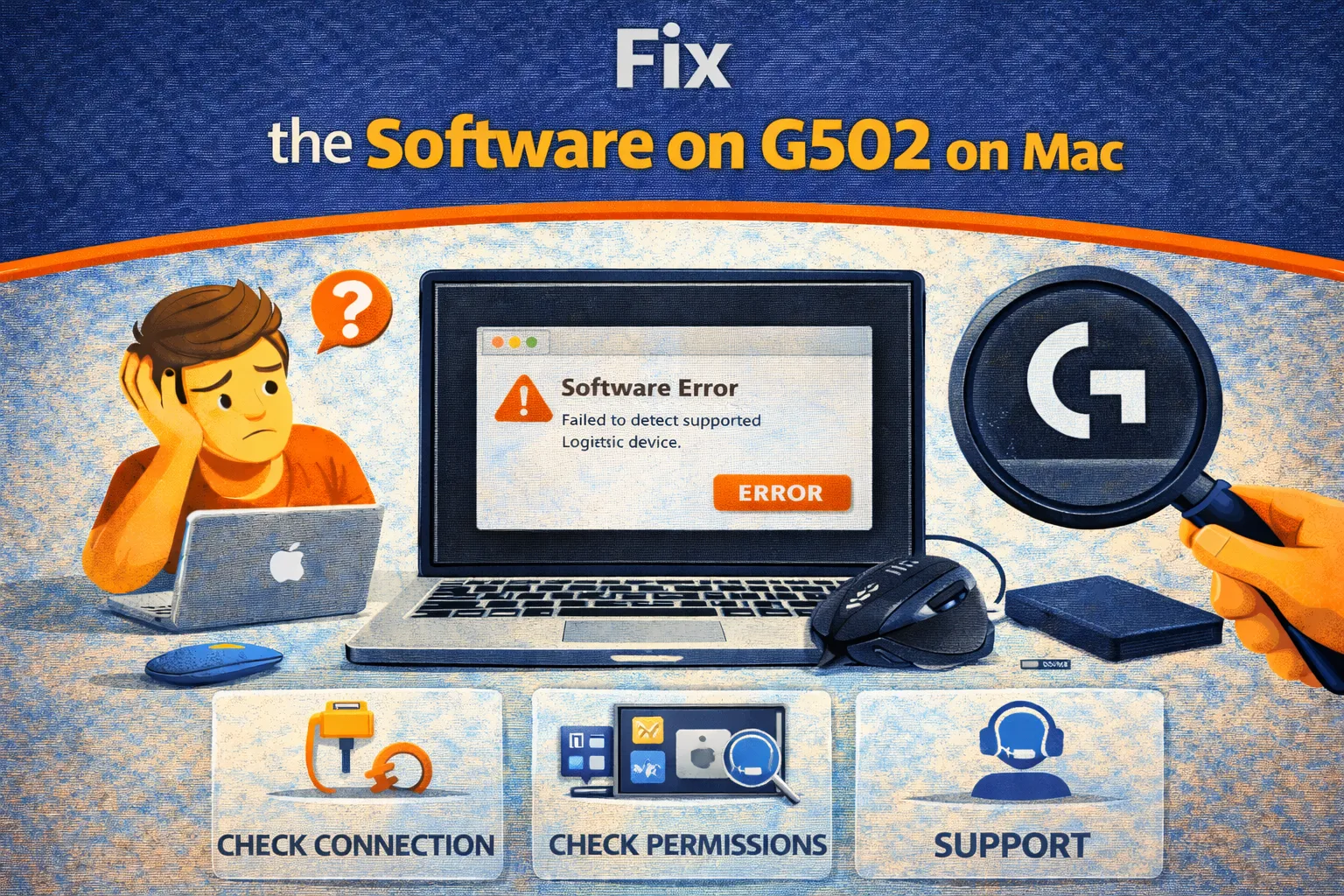
Fix Method 1: Reset Privacy Permissions (Accessibility + Input Monitoring)
What this fixes
This resolves the #1 reason G HUB fails to detect g502 on mac: macOS is blocking access.
- Open System Settings.
- Go to Privacy & Security.
- Open Accessibility.
- Find Logitech G HUB.
- Toggle it OFF → enter password → toggle ON.
- Go back and open Input Monitoring.
- Repeat: toggle Logitech G HUB OFF then ON.
- Quit Logitech G HUB fully and reopen it.
How to verify it worked
G HUB stops spinning and your g502 on mac appears with DPI and button assignment options.
Fix Method 2: Kill Logitech Background Processes (Backend Sync Fix)
What this fixes
G HUB is three components: the UI, the Agent, and the Updater. If the agent crashes, the UI spins forever. This is
one of the most common failure patterns for g502 on mac.
- Open Activity Monitor.
- Search for
lghub. - Force quit:
lghub_agentlghub_updaterlghub(the UI) if present
- Wait 5 seconds.
- Open Logitech G HUB again.
How to verify it worked
The “Backend Connection Problem” banner disappears and profiles load normally.
Fix Method 3: Clean Reinstall (Remove Corrupt Files Properly)
What this fixes
Dragging G HUB to Trash is not a reinstall. It leaves corrupted preference files behind that will break
g502 on mac again after reinstall. The goal is to remove leftovers.
- Quit G HUB completely (menu bar icon → Quit).
- Delete Logitech G HUB from Applications.
- In Finder → Go → Go to Folder, remove these if they exist:
~/Library/Application Support/lghub~/Library/Preferences/com.logi.ghub.plist~/Library/Caches/com.logi.ghub
- Restart your Mac.
- Install the latest Logitech G HUB version from Logitech.
- During first launch, approve permission prompts immediately.
How to verify it worked
The mouse is detected instantly and you can remap buttons, set DPI, and save profiles reliably.
Fix Method 4: Use Onboard Memory Manager (Best “Set It Once” Strategy)
What this fixes
Here’s the enterprise-grade workaround: write your profile to the mouse so you don’t need G HUB running. This is
the cleanest long-term solution for g502 on mac.
- Download Logitech Onboard Memory Manager if available for your platform.
- Open it with the G502 connected.
- Configure DPI steps, polling rate, and button assignments.
- Save the profile to an onboard slot (Slot 1 is recommended).
- Enable “Onboard Memory Mode” if the tool supports it.
- Now disconnect/reconnect: your settings persist on macOS without G HUB.
How to verify it worked
Your g502 on mac keeps DPI and button assignments even after restart and without Logitech software.
Fix Method 5: Fix USB & Hub Issues (Detection Failures)
What this fixes
Sometimes the mouse is fine and G HUB is fine, but the USB chain is unstable. That instability causes intermittent
detection problems typical of g502 on mac setups using adapters or hubs.
- Plug the G502 directly into the Mac (no hub).
- If you use USB-C adapters, try a different brand (some are power-unstable).
- Try a different USB port.
- Replace the cable if you suspect damage.
- If using a hub, use a powered hub (with wall power).
Fix Method 6: Apple Silicon Security Policy (Rare, Last Resort)
What this fixes
This is only for edge cases where system extensions cannot be approved normally. Most users won’t need this. But if
your g502 on mac is invisible even after permissions and clean reinstall, this can unlock driver approval.
- Shut down your Mac.
- Hold the power button until Startup Options appear.
- Open Options → Continue.
- Utilities → Startup Security Utility.
- Select your disk → Security Policy.
- Select Reduced Security and allow kernel/system extension management.
- Restart and reinstall G HUB.
Prevent G502 on Mac Problems Long-Term
- Save to onboard memory: Once your mapping is correct, save it to the mouse and reduce dependency on G HUB.
- Limit auto-updates: If it works, don’t upgrade blindly. Logitech updates can break macOS compatibility.
- Keep permissions stable: After major macOS updates, re-check Accessibility and Input Monitoring.
- Use direct USB: The most stable g502 on mac setup is direct connection without hubs.
FAQ
Why does my G502 show “Inactive” on Mac?
This usually happens due to a permission block, a USB hub issue, or the G HUB backend agent being down. Start with
Privacy & Security permissions and then force quit lghub_agent.
Can I use SteerMouse instead of G HUB?
Yes. Third-party tools like SteerMouse can provide cleaner button mapping and better macOS-native
behavior for g502 on mac. If you hate G HUB, this is a legitimate alternative.
Does Logitech G HUB work on new macOS versions?
Generally yes, but macOS upgrades often reset permissions or break background agents until you reinstall. If your
g502 on mac worked yesterday and not today after an update, permissions are your first checkpoint.
Why does G HUB ask for microphone access?
Logitech sometimes requests audio access for features like audio-reactive lighting in other Logitech products. If
you deny it, your mouse functionality should still work.
Official References
- Logitech G HUB Download Center
- Apple Guide: Input Monitoring Controls
- Logitech Onboard Memory Manager Info
Conclusion
Most g502 on mac issues are not hardware problems. They are permission, backend, or corrupted-install
problems. The fastest solution is enabling Accessibility + Input Monitoring, then killing the Logitech background
agent so the UI can reconnect. The smartest long-term solution is writing your profile to onboard memory so you
never have to deal with G HUB again. Configure it once, save it to the mouse, and you get full G502 performance on
macOS with minimal overhead.
Visit TrueFixGuides for more macOS repair tutorials.