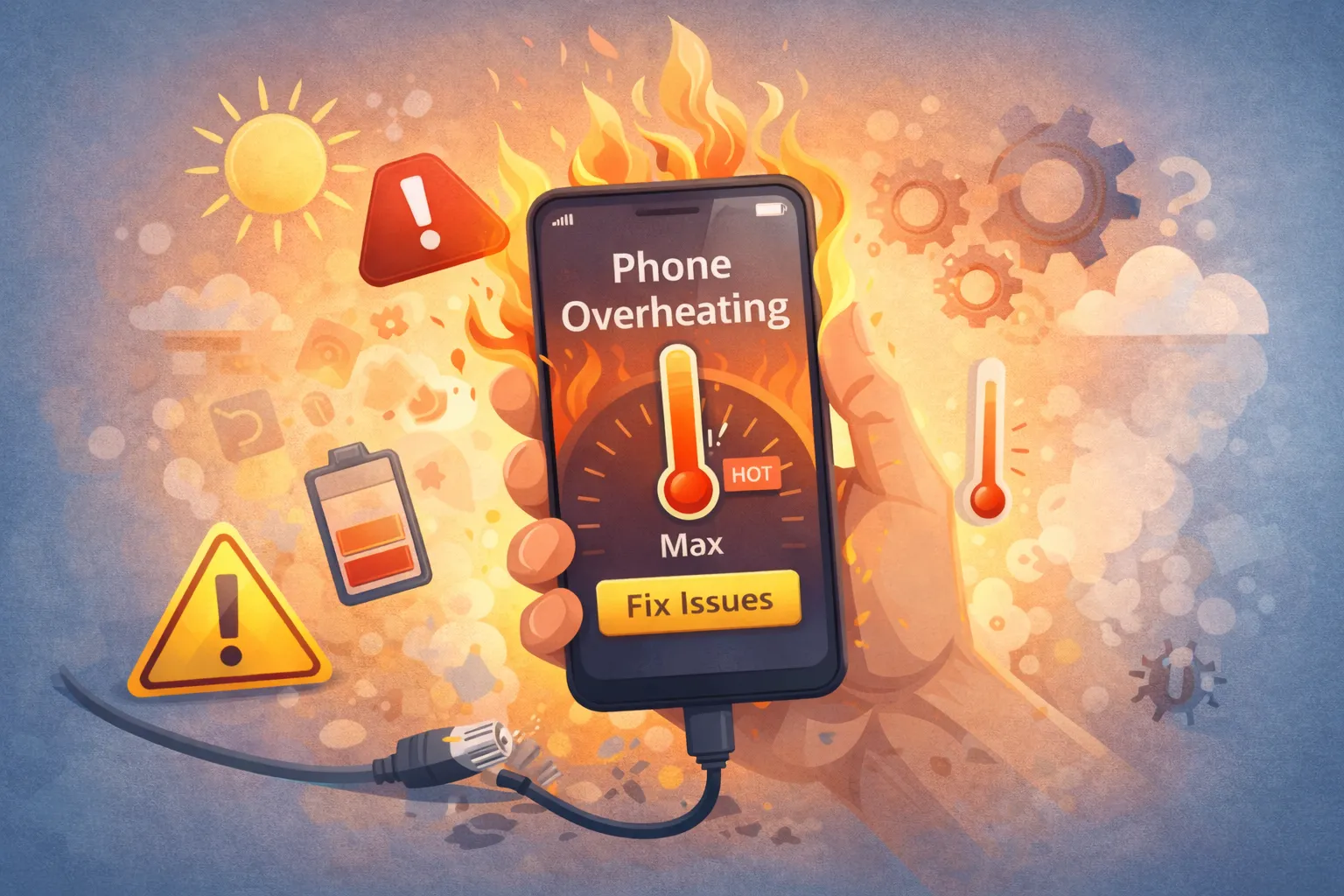
Phone overheating is scary. When your device gets too hot to hold, or a warning pops up saying “Temperature: iPhone needs to cool down,” it means the internal components are reaching dangerous thermal limits. Phone overheating degrades lithium batteries instantly and permanently. Whether it is caused by gaming in the sun, a rogue background app, or a faulty charging brick, you must cool it down immediately—but safely—to prevent hardware damage.
Quick Fix: Phone overheating
- Remove Case: Cases trap heat. If phone overheating occurs, take it off immediately.
- Stop Charging: Charging generates massive heat, leading to phone overheating signals. Unplug immediately.
- Close Apps: Swipe away GPS, Camera, and heavy Games.
- Move to Shade: Get it out of direct sunlight. Never put it in a freezer!
Symptoms Checklist
- Phone feels physically painful to touch (back or screen).
- Screen dims automatically and won’t brighten due to phone overheating.
- Flashlight and Camera are disabled with a warning.
- Charging stops or works very slowly.
- Phone overheating warning message appears on screen.
Troubleshooting Summary (Fast Diagnosis)
| Symptom | Likely Cause | Best Fix |
|---|---|---|
| Phone overheating while Charging | Fast Charging / Bad Cable | Unplug & Remove Case (Method 1) |
| Hot in Sunlight | Ambient Thermal Limit | Move to Cool Area (Method 2) |
| Hot in Pocket/Idle | Rogue Background App | Check Battery Usage (Method 3) |
| Phone overheating after Update | Indexing Process | Wait 24-48 Hours (FAQ) |
Why This Happens
Phone overheating happens because smartphones are powerful computers with no fans. They rely on “passive cooling,” dumping heat from the processor into the frame and glass. If you generate heat faster than the frame can dissipate it (e.g., 3D gaming while fast charging), heat builds up. Alternatively, a software bug might keep the processor running at 100% speed even when the screen is off, turning your battery energy directly into waste heat and causing phone overheating.
Fix Method 1: The “Cool Down” Protocol (Immediate)
What this fixes
Stops the active heat generation and allows passive dissipation to catch up to fix and prevent phone overheating.
- Unplug any charging cable.
- Remove the case. Thick rubber/leather cases are insulators.
- Turn on Airplane Mode to kill 5G/GPS radios (massive heat sources).
- Place the phone on a cool, hard surface (tile, stone, glass). Do NOT put it on a pillow or blanket.
- Leave it alone for 15 minutes.
How to verify it worked
The phone returns to room temperature and full brightness is restored.
If it still fails
If it stays hot active on Airplane mode, turn it OFF completely.
Fix Method 2: Identify Rogue Apps
What this fixes
Sometimes a poorly coded app gets stuck in a loop, hammering the CPU in the background and causing phone overheating.
- iOS: Settings > Battery. Scroll down to see usage by app. Look for “Background Activity.”
- Android: Settings > Battery > Battery Usage.
- Look for an app with high percentage usage that you haven’t used much (e.g., Facebook using 40% in background).
- Force Stop or Uninstall that app.
How to verify it worked
The phone stays cool while idle.
If it still fails
Reset All Settings (not data) to clear system-level conflicts.
Fix Method 3: Disable Background Refresh
What this fixes
Prevents apps from constantly waking up the processor to check for emails/feeds, reducing the thermal load and preventing phone overheating.
- iOS: Settings > General > Background App Refresh. Turn it OFF globally or for social apps.
- Android: Settings > Network & internet > Data Saver. Turn it ON to restrict background data.
How to verify it worked
Phone runs cooler and battery life improves significantly.
If it still fails
Check “Location Services” and set most apps to “While Using” instead of “Always.”
Fix Method 4: Update OS & Apps
What this fixes
Developers release patches to fix “memory leaks” and CPU bugs that cause phone overheating.
- Go to App Store / Play Store and Update All apps.
- Go to Settings > General > Software Update. Install any patches.
How to verify it worked
System runs more efficiently.
If it still fails
If an OS update STARTED the heat, wait 48 hours for indexing to finish.
Fix Method 5: Factory Reset (The Nuclear Option)
What this fixes
If the phone gets hot within minutes of turning on with NO apps running, the OS corruption is deep. A reset wipes the slate clean and can resolve persistent phone overheating.
- Backup your photos/contacts.
- Go to Settings > Reset > Factory Data Reset.
- Set up as New (don’t restore from backup immediately to test).
How to verify it worked
If a fresh, empty phone still overheats, it is a hardware failure (battery or motherboard).
If it still fails
Contact the manufacturer for a warranty replacement.
Understanding Phone Overheating Triggers
Recognizing what causes phone overheating helps you avoid situations that stress your device. Intensive tasks like video recording, gaming with high graphics settings, navigation apps with screen constantly on, and using the phone in hot environments all generate excessive heat. Additionally, background processes like photo syncing, app updates downloading simultaneously, and location tracking running continuously contribute to thermal buildup. By understanding these triggers, you can proactively manage your phone’s temperature.
Prevent This From Happening Again
- Avoid Sun: Direct sunlight is the enemy. It adds external heat that the phone cannot control.
- Use Official Chargers: Cheap bricks have unstable voltage that heats up the power management chip.
- Don’t Play & Charge: Heavy gaming while fast-charging generates double heat. Do one at a time.
- Monitor App Usage: Regularly check battery settings to identify apps causing phone overheating.
- Update Regularly: Keep your OS and apps updated to benefit from thermal management improvements.
- Remove Unused Apps: Uninstall apps you don’t use to reduce background processing load.
FAQ
Why does my phone get hot while charging?
Physics. Converting wall electricity (AC) to battery chemical energy (DC) is not 100% efficient. The waste energy becomes heat. Warm is normal; painful to touch is not.
Does 5G cause overheating?
Yes. 5G modems draw more power than 4G. If you are in a weak signal area, the phone works overtime to find a signal, generating massive heat. Switch to 4G/LTE to cool down.
Why did my screen get dim?
This is a safety mechanism. The screen is the biggest heat generator. The OS dims it to reduce thermal load. Do not force brightness up; let it cool.
Is my battery dangerous if it gets hot?
If the battery is swollen (pushing the screen out) or smelling like chemicals, YES. It is a fire hazard. Stop using it immediately and put it in a fire-safe box.
Can a virus cause overheating?
Yes. Cryptojacking malware uses your phone’s processor to mine bitcoin in the background, making it run at 100% heat constantly. A reset fixes this.
Official References
- Apple Support: Keeping iPhone within acceptable operating temperatures
- Google Pixel: Help keep your Pixel phone from feeling too warm
- Samsung: What to do if your phone is heating up
Conclusion
Phone overheating is a warning sign you should never ignore. It is your device screaming for a break. By removing the insulating case, closing resource-heavy apps, and keeping it out of the sun, you can usually bring temps down in minutes. If chronic phone overheating persists despite a reset, your battery is likely failing chemically and needs professional replacement.
Visit https://truefixguides.com/ for more.