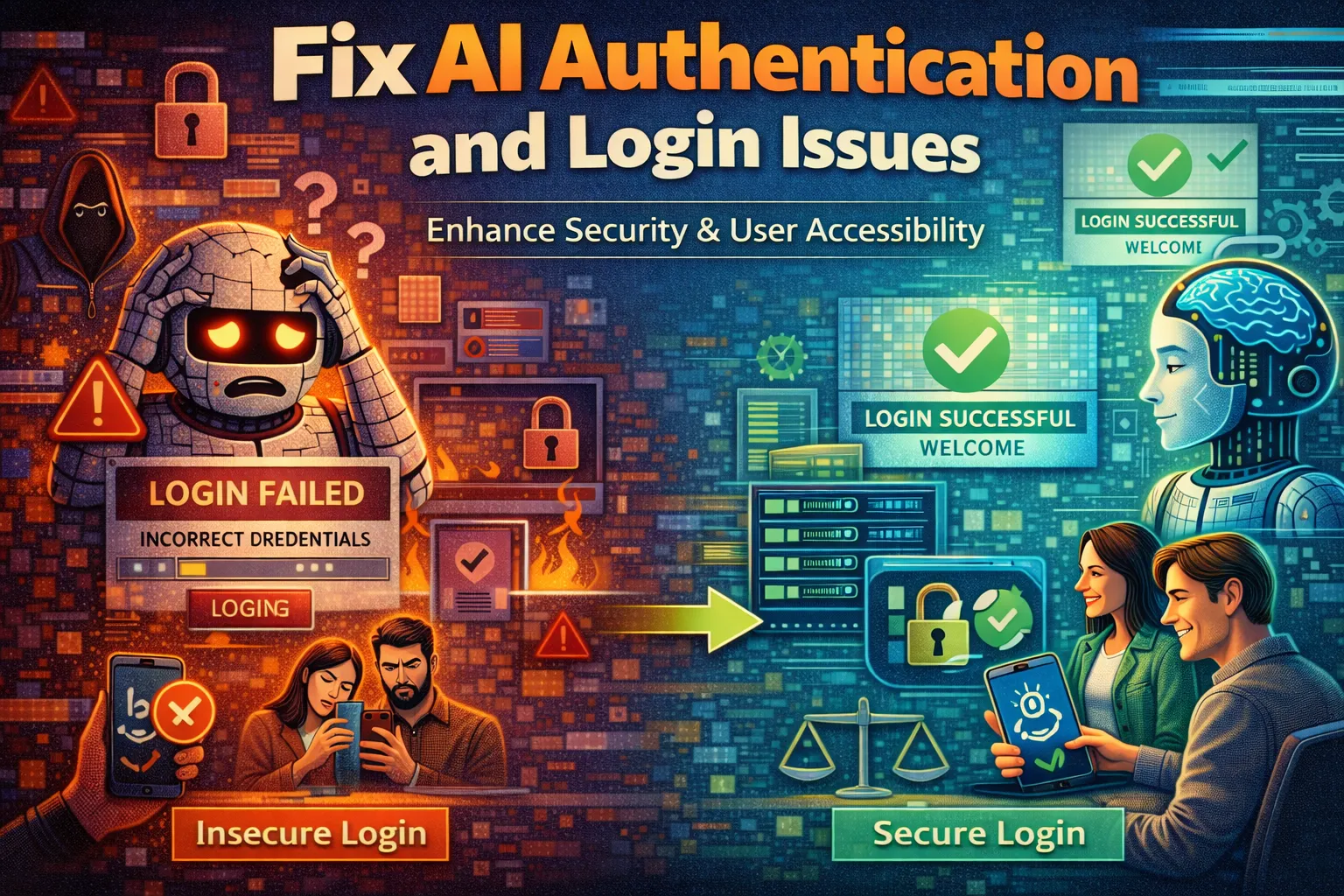
Your AI integration is live, but users can’t log in, API calls keep returning 401 errors, and your token validation is silently failing. AI authentication issues are among the most disruptive problems in modern AI deployments, blocking access for legitimate users while leaving security gaps for bad actors.
These AI authentication issues manifest as expired tokens, misconfigured OAuth flows, broken API key handling, or identity provider mismatches. They can ground an otherwise functional AI application to a complete halt.
This guide provides six critical, proven fixes to diagnose and resolve the most common AI authentication issues — from token management failures to misconfigured identity providers. Let’s restore secure, reliable access to your AI systems.
What Causes AI Authentication Issues?
Effectively resolving AI authentication issues requires understanding their root cause. These problems rarely stem from a single point of failure — they arise from misalignments across tokens, configurations, permissions, and identity systems.
- Token Expiry and Mismanagement: Most AI APIs use short-lived tokens for security. If your application doesn’t refresh tokens proactively or handles expiry errors incorrectly, users will experience sudden access failures. This is the most frequent cause of AI authentication issues in production environments.
- Misconfigured OAuth 2.0 Flows: OAuth is the backbone of modern AI authentication. Incorrect redirect URIs, wrong grant types, mismatched client IDs, or missing scopes will cause authorization flows to fail silently or return cryptic error codes that are difficult to trace.
- API Key Mishandling: Hardcoded keys, keys with insufficient permissions, rotated keys not propagated to all services, or keys exposed in client-side code are a common source of AI authentication issues. Even a single misconfigured key can block all API traffic.
- Identity Provider (IdP) Mismatches: When your application relies on an external identity provider like Azure AD, Okta, or Auth0, configuration drift between your AI service and the IdP can cause JWTs to fail validation, leading to persistent AI authentication issues even with valid credentials.
Mapping your specific error message to one of these categories is the fastest path to applying the right fix for your AI authentication issues below.
Fix 1: Implement Proactive Token Refresh Logic
This fix directly targets token expiry — the leading cause of AI authentication issues in production. Rather than waiting for a 401 error to trigger a re-authentication cycle, proactive refresh logic silently renews tokens before they expire, eliminating access interruptions for users.
- Step 1: Inspect your current token handling code. Identify where access tokens are stored and whether your application checks token expiry before each API call. Most token expiry failures can be traced to reactive rather than proactive renewal logic.
- Step 2: Read the
expires_infield from your token response and calculate the actual expiry timestamp. Store this alongside the token. A safe refresh window is 60–120 seconds before expiry, giving your system time to renew without interruption. - Step 3: Implement a background token refresh function. Before every API call, compare the current time against the stored expiry timestamp. If within the refresh window, call your token endpoint silently and replace the stored token before proceeding.
- Step 4: Add a fallback handler for unexpected 401 responses. Even with proactive refresh, race conditions can occur. If a 401 is received, force an immediate token refresh and retry the request once before surfacing the error to the user.
After implementing this fix, token-related AI authentication issues should disappear from your logs. Users will no longer experience sudden logouts or failed API calls caused by silent token expiry.
Fix 2: Audit and Correct Your OAuth 2.0 Configuration
Misconfigured OAuth flows are responsible for a large proportion of AI authentication issues that produce vague or misleading error messages. This fix methodically verifies every component of your OAuth setup to eliminate configuration drift as a root cause.
- Step 1: Log into your OAuth provider’s developer console (e.g., Google Cloud Console, Azure App Registrations, Auth0 Dashboard). Verify that your registered redirect URIs exactly match the callback URLs used in your application code — including protocol, domain, port, and path. A single character mismatch here will cause failures on every login attempt.
- Step 2: Confirm the correct OAuth grant type is configured for your use case. Use the Authorization Code flow with PKCE for user-facing AI applications, and the Client Credentials flow for server-to-server API calls. Using the wrong grant type is a common source of failures in new deployments.
- Step 3: Check that all required scopes are explicitly requested in your authorization URL. AI APIs often require specific permission scopes (e.g.,
openid,profile,https://api.yourservice.com/inference). Missing a required scope will cause silent failures that look identical to other authentication errors. - Step 4: Use an OAuth debugger tool (such as jwt.io for JWT inspection or your provider’s token introspection endpoint) to decode and inspect the access tokens your application is receiving. Verify that the audience (
aud), issuer (iss), and scope claims match what your AI service expects.
After this audit, most configuration-driven AI authentication issues will be eliminated. Your OAuth flow will produce valid, correctly scoped tokens that your AI services can accept without error.
Fix 3: Secure and Rotate API Keys Correctly
API key mishandling is a deceptively simple cause of AI authentication issues. This fix establishes a secure, systematic approach to key storage, distribution, and rotation that prevents both access failures and security breaches.
- Step 1: Audit all locations where API keys are currently stored in your codebase and infrastructure. Search for keys hardcoded in source files, committed to version control, or embedded in client-side JavaScript. These are both a security risk and a frequent cause of failures when keys are rotated or revoked.
- Step 2: Move all API keys to a secrets management system. Use environment variables for local development and a dedicated vault (e.g., AWS Secrets Manager, HashiCorp Vault, Azure Key Vault) for production. This single change eliminates an entire class of AI authentication issues caused by stale or exposed keys.
- Step 3: Implement a key rotation procedure. When a key is rotated, update it in your secrets manager first, then deploy your application update. Ensure all services retrieve keys dynamically from the vault rather than caching at startup — a common trigger for access failures after routine maintenance.
- Step 4: Apply the principle of least privilege to every API key. Audit the permissions attached to each key and remove any that are not strictly required. An overly permissive or incorrectly scoped key is both a security liability and a source of access failures when the AI service validates caller permissions.
With secure key management in place, key-related AI authentication issues will stop recurring. Access failures after rotations will be eliminated, and your security posture will be significantly improved.
Fix 4: Resolve Identity Provider Mismatches
When your AI service validates JWTs against an identity provider, any mismatch in expected claims, signing keys, or issuer configuration will produce persistent AI authentication issues that are difficult to diagnose because the tokens themselves appear valid. This fix aligns your AI service’s validation logic with your IdP’s actual outputs.
- Step 1: Retrieve your identity provider’s OpenID Connect discovery document (usually available at
/.well-known/openid-configuration). This document contains the authoritative values for the issuer URL, JWKS endpoint, and supported signing algorithms that your AI service must use for token validation. - Step 2: Compare the
iss(issuer) claim in your received JWTs against the issuer value your AI service is configured to accept. Even a trailing slash difference (e.g.,https://auth.example.comvshttps://auth.example.com/) will cause token validation to fail. - Step 3: Verify your AI service is fetching signing keys dynamically from the JWKS endpoint rather than using a hardcoded public key. Identity providers rotate signing keys periodically, and a hardcoded key will cause access failures immediately after a rotation without any warning.
- Step 4: Check the
aud(audience) claim in your tokens. Your AI service must be registered as an allowed audience in your IdP, and your validation code must explicitly check that the audience matches. A missing or incorrect audience check is a common but overlooked security vulnerability.
After aligning your IdP configuration with your validation logic, JWT-related AI authentication issues will be resolved. Tokens from legitimate users will pass validation consistently, regardless of key rotations or issuer updates.
Fix 5: Implement Comprehensive Authentication Logging and Monitoring
Many AI authentication issues are intermittent and environment-specific, making them nearly impossible to debug without detailed telemetry. This fix adds the observability layer needed to catch, diagnose, and resolve authentication failures before they escalate into user-impacting outages.
- Step 1: Instrument your authentication middleware to log structured events at every critical point: token acquisition, token validation, refresh attempts, and authentication failures. Each log entry should include a timestamp, user or service identifier, error code, and the specific step that failed. This granularity is essential for tracing failures to their root cause.
- Step 2: Log the full OAuth error response from your identity provider when authorization fails. Many failures produce informative error codes like
invalid_grant,invalid_scope, ortoken_expiredin the response body that are discarded by default error handlers. - Step 3: Set up real-time alerts for authentication failure rate spikes. Configure a monitoring system (e.g., Datadog, Grafana, CloudWatch) to alert when 401 or 403 error rates exceed a defined threshold. Early detection allows you to address emerging problems before they affect a large percentage of users.
- Step 4: Build a dedicated authentication health check endpoint. This endpoint should perform a complete end-to-end token acquisition and validation cycle using a test service account. Run it on a schedule as a synthetic monitor so you detect failures in staging or production before real users encounter them.
With robust logging and monitoring in place, AI authentication issues become diagnosable within minutes rather than hours. You’ll have a clear audit trail of every failure, correlating errors with deployments, key rotations, or configuration changes.
Fix 6: Harden Multi-Environment Authentication Configuration
A significant source of AI authentication issues is configuration that works perfectly in development but breaks in staging or production due to environment-specific differences in endpoints, secrets, or trust boundaries. This fix establishes a disciplined configuration management approach that eliminates environment drift.
- Step 1: Create a dedicated authentication configuration file for each environment (development, staging, production). Each file must explicitly define the token endpoint URL, client ID, allowed redirect URIs, and IdP issuer URL for that specific environment. Never share authentication configuration between environments — this is a primary cause of failures after deployments.
- Step 2: Validate authentication configuration at application startup. Before accepting any traffic, your application should verify that all required authentication parameters are present and that the token endpoint is reachable. Fail fast with a clear error if any configuration is missing — this prevents silent failures that only surface under load.
- Step 3: Run your full authentication flow as part of your CI/CD pipeline. After every deployment, execute an automated test that acquires a token, makes an authenticated API call to your AI service, and validates the response. This catches issues introduced by configuration changes before they reach production users.
- Step 4: Document and version-control your authentication architecture. Maintain a diagram showing token flows, IdP relationships, and service-to-service trust boundaries. When access failures arise, this documentation dramatically reduces the time needed to identify where the chain has broken.
With disciplined environment management, AI authentication issues caused by configuration drift become a thing of the past. Every deployment will carry a verified, environment-specific authentication configuration that has been automatically tested before go-live.
When Should You See a Professional?
If you have systematically applied all six fixes — from token refresh logic and OAuth audits to IdP alignment, logging, and environment hardening — and AI authentication issues persist, the problem may lie beyond standard configuration debugging.
Persistent AI authentication issues after thorough investigation can indicate deep platform-level problems such as a bug in your identity provider’s SDK, an undocumented API behavior change, or a network-level TLS interception stripping authentication headers. Signs demanding expert intervention include consistent token validation failures despite correct configuration, or authentication succeeding in isolation but failing only when called from within your AI inference pipeline. Consulting platform-specific resources such as Microsoft’s authentication flows documentation is a valuable first step.
At this stage, engage your identity provider’s enterprise support, a security engineer with IAM specialization, or your cloud provider’s solutions architect who can audit your complete authentication chain and identify platform-level AI authentication issues beyond the reach of application-level fixes.
Frequently Asked Questions About AI Authentication Issues
Why do AI authentication issues only appear in production and not in development?
This is one of the most common patterns in AI authentication issues and almost always points to environment-specific configuration differences. Production environments often have stricter network policies, different redirect URI whitelists, separate OAuth client registrations, or tighter token expiry windows than development. A token that lasts an hour in development may expire in five minutes in production under load.
The fix is to compare every authentication configuration value between your environments side by side. Apply Fix 6 from this guide to enforce strict environment separation and automate configuration validation as part of your deployment pipeline, eliminating this class of failures permanently.
What is the difference between a 401 and a 403 error in AI authentication issues?
Both HTTP status codes indicate access problems but point to different root causes. A 401 Unauthorized error means the request is missing valid authentication credentials — the token is absent, expired, malformed, or fails signature validation. This is a pure AI authentication issues response: the system cannot identify who is making the request.
A 403 Forbidden error means the requester is authenticated but lacks permission for the requested resource. The token is valid, but the caller’s scope or role doesn’t include the required access. Debugging these requires different approaches: 401 errors point to token and credential fixes, while 403 errors point to permission and scope configuration.
Can AI authentication issues cause data leaks or security vulnerabilities?
Yes — improperly handled AI authentication issues can create serious security exposure. If your application falls back to unauthenticated access when tokens fail, or if error handling exposes token values in logs or API responses, the authentication failure itself becomes a vulnerability. Hardcoded API keys that cause access failures when rotated are also frequently found in public repositories.
When diagnosing AI authentication issues, always audit your error handling paths as well as your happy path. Ensure that authentication failures result in a clean denial of service rather than a fallback that inadvertently grants access or exposes credentials to unauthorized parties.
How do I test that my AI authentication issues are fully resolved?
Testing a complete resolution requires more than verifying that a single login works. For AI authentication issues, you should run a full regression suite that includes: token acquisition and refresh under load, behavior when tokens are deliberately expired mid-session, OAuth flow completion with all supported grant types, and API calls made with revoked or malformed tokens to confirm they are correctly rejected.
Additionally, run your authentication health check endpoint continuously in staging for 24–48 hours after applying fixes, monitoring for intermittent failures that only appear under specific timing conditions. Intermittent failures are often the hardest to resolve and require sustained observation to confirm they are truly eliminated.
Conclusion
Resolving AI authentication issues requires a systematic approach that addresses every layer of your authentication stack — from token lifecycle management and OAuth configuration to identity provider alignment, observability, and environment consistency.
We’ve covered the six critical fixes: implementing proactive token refresh, auditing OAuth configuration, securing API keys, resolving IdP mismatches, adding comprehensive logging, and hardening multi-environment configuration. Each fix targets a specific category of AI authentication issues, and together they form a defense-in-depth strategy that addresses both reliability and security.
Start with Fix 1 and Fix 2, which resolve the most common AI authentication issues, and work through the remaining fixes to build a robust, production-grade authentication system. Share which fix solved your specific problem in the comments below, or pass this guide to a colleague battling similar access failures.
Visit TrueFixGuides.com for more.