6 Critical Ways to Fix Underfitting in AI Models
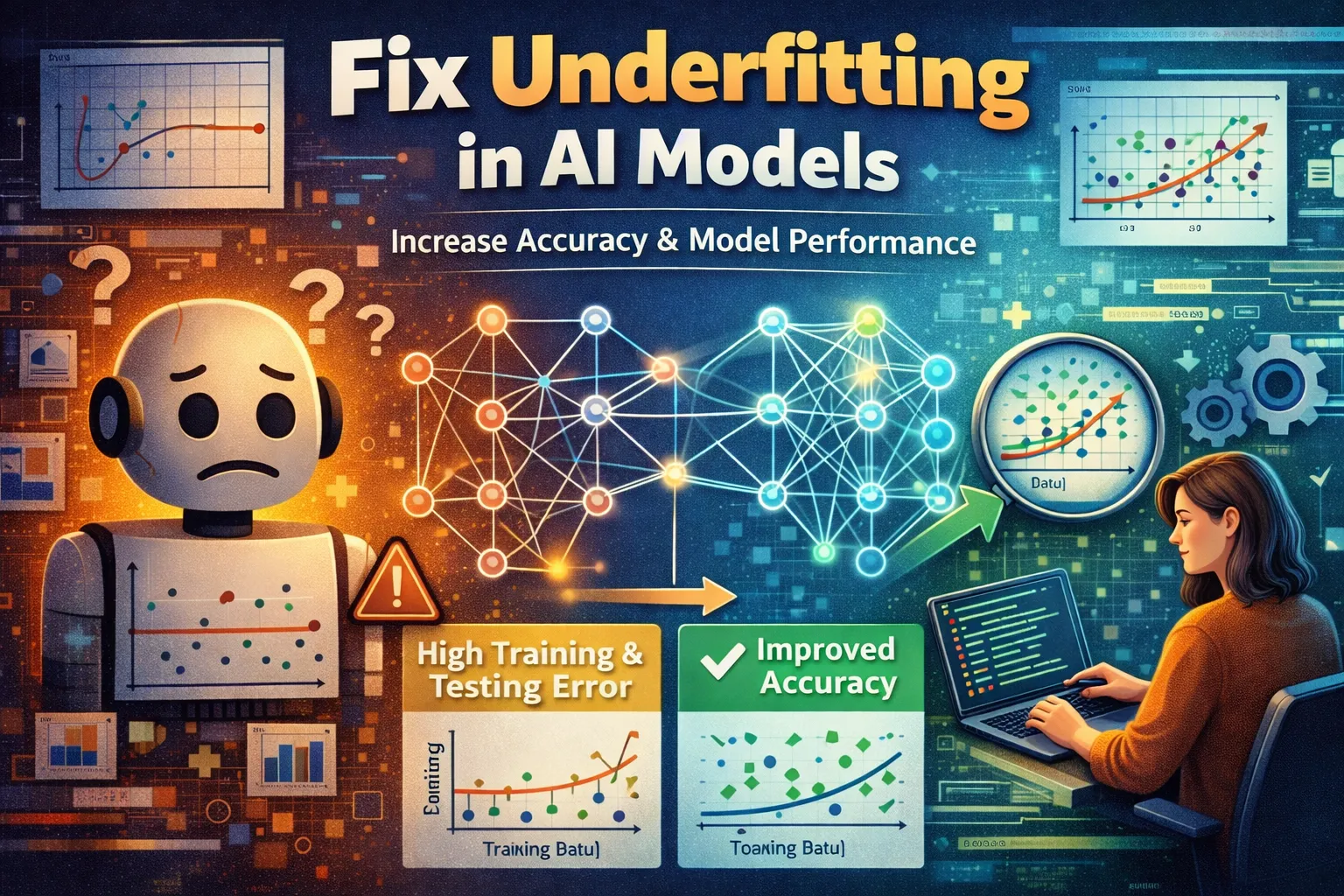
Your AI model is failing the basics. It delivers consistently poor accuracy, missing obvious patterns even in the data it was trained on. This isn’t random noise; it’s a classic sign of underfitting, where your model is too simplistic to capture the underlying relationships in your dataset. When your training and validation error are both unacceptably high, it means the algorithm isn’t learning—it’s just guessing. This guide cuts through the theory to provide six actionable, proven fixes for underfitting in AI models. We’ll move from increasing model capacity to smarter feature engineering, giving you the direct steps to transform a weak, underperforming model into a robust learner.
What Causes Underfitting in AI Models?
Effectively fixing underfitting requires understanding its root causes. It’s not a single bug but a symptom of a model that lacks the necessary tools to solve the problem.
-
Excessively Simple Model Architecture:
Using a linear model for non-linear data or a neural network with too few layers/neurons. The model literally doesn’t have the computational “brainpower” to represent the complexity of the function it needs to learn. -
Inadequate Feature Set:
The input variables provided to the model lack the predictive signal needed. You might be trying to predict house prices with only square footage, completely omitting critical features like location, number of bedrooms, or year built. -
Overly Stringent Regularization:
Applying too much L1/L2 regularization or dropout too aggressively. While these techniques prevent overfitting, they can overshoot and cripple the model’s ability to learn meaningful weights, effectively forcing it to remain too simple. This is a common trap in AI models trained on small datasets. -
Insufficient Training Time:
Stopping the training process too early, before the model has had enough epochs to converge on a good solution. This is especially common with complex AI models and small learning rates.
Identifying which of these causes is at play directs you to the most effective fix. The solutions below systematically address each root cause in AI models.
Fix 1: Increase Model Complexity
This is the most direct fix for underfitting. If your AI model is a shallow learner, you must give it more capacity. This involves adding parameters that allow it to form more complex, non-linear decision boundaries to fit the training data better.
- Step 1: For neural networks, add more layers and/or increase the number of units (neurons) per layer. Start by adding one dense layer at a time and re-evaluating your AI model’s performance.
- Step 2: For tree-based models (like Random Forest or XGBoost), increase the
max_depthparameter. Allow the trees to grow deeper so they can make more specific splits. - Step 3: For polynomial regression, increase the
degreeof the polynomial. Move from a simple line (degree=1) to a curve that can bend to fit the data points. - Step 4: Retrain the model and immediately compare the training loss/accuracy. A successful complexity increase should show a significant drop in training error across your AI models.
You should see the model begin to “learn” the training patterns, with training metrics improving. Monitor the validation metrics closely with this fix to ensure you don’t swing into overfitting.
Fix 2: Reduce or Remove Regularization
Regularization techniques like L1/L2 penalties and dropout are designed to constrain a model, but an overly strong constraint is a primary cause of underfitting in AI models. This fix involves dialing back these constraints to free up the model’s learning capacity.
- Step 1: Identify your regularization parameters. In scikit-learn, these are
alpha(for Lasso/Ridge) orC(inverse of regularization strength for SVM/LogisticRegression). In TensorFlow/Keras, look forkernel_regularizerordropoutlayer rates. - Step 2: Systematically reduce the strength. If your L2 lambda is 0.1, try 0.01 or 0.001. If your dropout rate is 0.5, try 0.2 or 0.1. For
C, increase its value (e.g., from 1.0 to 10.0). - Step 3: For tree-based models, reduce parameters that limit growth, such as increasing
min_samples_splitor decreasingmin_impurity_decrease. - Step 4: Retrain and observe. The goal is to see training performance improve without causing a massive, immediate gap with validation performance in your AI models.
This adjustment should lower training error, indicating the model is now allowed to leverage more of the signal in the data. It’s a crucial step to fix underfitting caused by excessive constraint.
Fix 3: Engineer More Relevant Features
Sometimes the model isn’t the problem—the input data is. Your current feature set may be insufficient. Feature engineering creates new, more informative inputs from your existing data, providing the model with the raw material it needs to learn. This is especially valuable in AI models working with structured or tabular data.
- Step 1: Create interaction features. Multiply two existing features (e.g.,
total_sqft * num_bathrooms) to capture relationships a linear model would miss. - Step 2: Generate polynomial features. Use
PolynomialFeaturesfrom scikit-learn to automatically create squared, cubed, and interaction terms of your numeric features. - Step 3: Perform domain-specific transformations. For time-series, create lag features (value from t-1). For text, move beyond simple bag-of-words to TF-IDF or n-grams.
- Step 4: Feed the new, enriched feature set into your model (you may need to return to Fix 1 and slightly increase complexity to handle it).
A successful feature engineering effort provides a clearer signal, allowing even a moderately complex model to achieve much lower training error and effectively address the core issue of underfitting in AI models.
Fix 4: Train for More Epochs with a Dynamic Schedule
Underfitting often stems from premature stopping, where training halts before the model converges on an optimal solution. This is one of the most preventable performance issues in AI models. This fix ensures the learning process runs to completion by extending training duration and intelligently managing the learning rate.
- Step 1: In your training loop (e.g., Keras
model.fit()or PyTorch training script), significantly increase theepochsparameter—try doubling or tripling the original number. - Step 2: Implement a learning rate scheduler. Use callbacks like
ReduceLROnPlateauin Keras to automatically decrease the learning rate when validation loss stalls, allowing for finer weight adjustments. - Step 3: Monitor the training and validation loss curves in real-time using TensorBoard or a similar tool. Look for the point where the training loss curve flattens, indicating convergence.
- Step 4: If loss is still decreasing steadily at your new epoch limit, increase it again. The goal is to train until the training loss plateaus, confirming the AI model has had sufficient time to learn.
Success is marked by a training loss that finally stabilizes at a low value. This method directly combats one of the most common reasons AI models fail to learn, providing a clear path to fix underfitting caused by insufficient training time.
Fix 5: Use a More Powerful Model Algorithm
When iterative tweaks fail, the fundamental algorithm choice may be wrong. This fix involves swapping your overly simplistic model for a more sophisticated learner that inherently possesses greater capacity to capture complex patterns without manual architectural tuning. Many engineers find that upgrading the algorithm is the fastest way to rescue underperforming AI models.
- Step 1: Abandon basic linear models (LinearRegression, LogisticRegression) for your non-linear problem. Choose a universally strong starting point like a Gradient Boosting Machine (e.g., XGBoost, LightGBM).
- Step 2: For neural network tasks, switch from a simple Multi-Layer Perceptron (MLP) to an architecture designed for your data type: use CNNs for images, RNNs/LSTMs for sequences, or Transformers for text.
- Step 3: Utilize these AI models with their default or moderately powerful hyperparameters first. For XGBoost, start with
max_depth=6andn_estimators=100. For a CNN, begin with a known architecture like a small ResNet. - Step 4: Train this new model on your existing dataset. Compare its initial training performance directly to your previous model’s final performance.
You should observe a substantial and immediate drop in training error. This algorithmic upgrade provides the necessary inductive bias and capacity, offering a decisive solution to fix underfitting where other adjustments have been insufficient.
Fix 6: De-noise and Preprocess Your Training Data
Contradictory or mislabeled examples in your training set can confuse a model, preventing it from learning the true signal and manifesting as high bias. This fix cleans the data foundation, ensuring the model learns from clear, consistent patterns—a step that dramatically improves the performance of AI models working with real-world, messy datasets.
- Step 1: Detect and remove label noise. For classification, use tools like IsolationForest or cleanlab to identify potentially mislabeled instances based on model prediction confidence.
- Step 2: Apply rigorous feature scaling. Normalize (to 0-1) or standardize (to mean=0, std=1) all continuous input features. This stabilizes training, especially for gradient-based AI models, allowing them to converge properly.
- Step 3: Handle missing values intelligently. Instead of simple mean imputation, use model-based imputation (e.g.,
IterativeImputerin scikit-learn) or flag missingness as a separate feature if it’s informative. - Step 4: Retrain your model on this cleaner, preprocessed dataset. The reduction in noise and consistent feature scales allow the model to discern the underlying trend more easily.
A successful cleanup results in a smoother, faster decrease in training loss. By removing obstacles to learning, this fix addresses a subtle but critical cause of underfitting, often overlooked in favor of more complex solutions for AI models.
When Should You See a Professional?
If you have methodically applied all six fixes—increasing complexity, adjusting regularization, engineering features, extending training, switching algorithms, and cleaning data—yet your model’s training performance remains stubbornly and unacceptably poor, the issue may transcend standard tuning.
This persistent failure could indicate a fundamental problem with your problem formulation or data pipeline, such as a severe mismatch between your chosen AI model’s inductive bias and the true data-generating process, or a dataset that is intrinsically non-predictive for your target. For mission-critical deployments in regulated industries, or when dealing with proprietary, complex data types, expert consultation is advised. As noted in
Google’s Machine Learning Rules,
spending time on objective and feature engineering is often more valuable than endlessly tuning AI models.
In these cases, the most efficient next step is to consult a machine learning specialist or data science team who can perform a deep audit of your entire pipeline, from data collection to problem definition.
Frequently Asked Questions About Fixing Underfitting in AI Models
How can I tell if my model is underfitting or if I just have bad data?
Diagnosing the root cause requires a systematic check. First, train a very powerful, low-bias AI model (like a large, unregularized neural network or a deep XGBoost tree) on your data. If this complex model achieves excellent performance on your training set, then your original model was underfitting and your data has signal. However, if even this powerful AI model fails to learn the training patterns, the problem likely lies with the data quality—it may be too noisy, have incorrect labels, or lack predictive features altogether. This test separates a model capacity issue from a fundamental data issue, guiding your next steps.
Can underfitting and overfitting happen at the same time?
While they are often presented as opposites, a model can exhibit symptoms of both in a sequential or localized manner. A common scenario is a model that is underfit globally (high bias) but overfit locally to specific noisy data points or outliers. Another instance arises in deep learning AI models, where early layers may be underfit (not learning useful representations) while later layers overfit to the noise in those poor representations. Diagnosing this requires analyzing learning curves and per-layer activation distributions.
What’s the most common mistake people make when trying to fix underfitting?
The most frequent error is blindly and aggressively increasing model complexity without implementing any form of validation or regularization guardrails. This often leads to an immediate swing from underfitting into severe overfitting, creating a new, more problematic issue in AI models. The correct approach is incremental: increase capacity slightly, then retrain and meticulously evaluate performance on a held-out validation set. This stepwise method allows you to find the “Goldilocks zone” of complexity that solves underfitting without losing generalization.
Is underfitting always a bad thing? Should I always try to eliminate it?
Not necessarily. A small, deliberate amount of underfitting—often termed “bias” in the bias-variance tradeoff—can be beneficial for robustness and interpretability in AI models. In high-stakes applications like medical diagnosis or financial risk assessment, a slightly simpler, more understandable model may be preferred over a complex “black box.” The goal is not to achieve zero training error, but to minimize generalization error. If a simpler AI model meets your performance threshold, its mild underfitting is an acceptable and often wise trade-off.
Conclusion
Ultimately, to effectively fix underfitting in AI models, you must systematically address its core drivers: insufficient model capacity, excessive regularization, poor features, inadequate training time, weak algorithms, or noisy data. We’ve walked through six targeted fixes, from increasing complexity and reducing constraints to engineering features, extending epochs, upgrading your algorithm, and cleaning your dataset. By applying these methods in order, you diagnose and resolve high bias, transforming AI models that merely guess into ones that genuinely learn.
Remember, the journey from underfitting to optimal fit is iterative. Start with the simplest fix that matches your symptoms, validate the change, and proceed. We hope one of these solutions unlocked your model’s potential. Share your success—which fix worked for your AI models? Let us know in the comments, and pass this guide to a colleague struggling with their own underfit model.
Visit TrueFixGuides.com for more.
