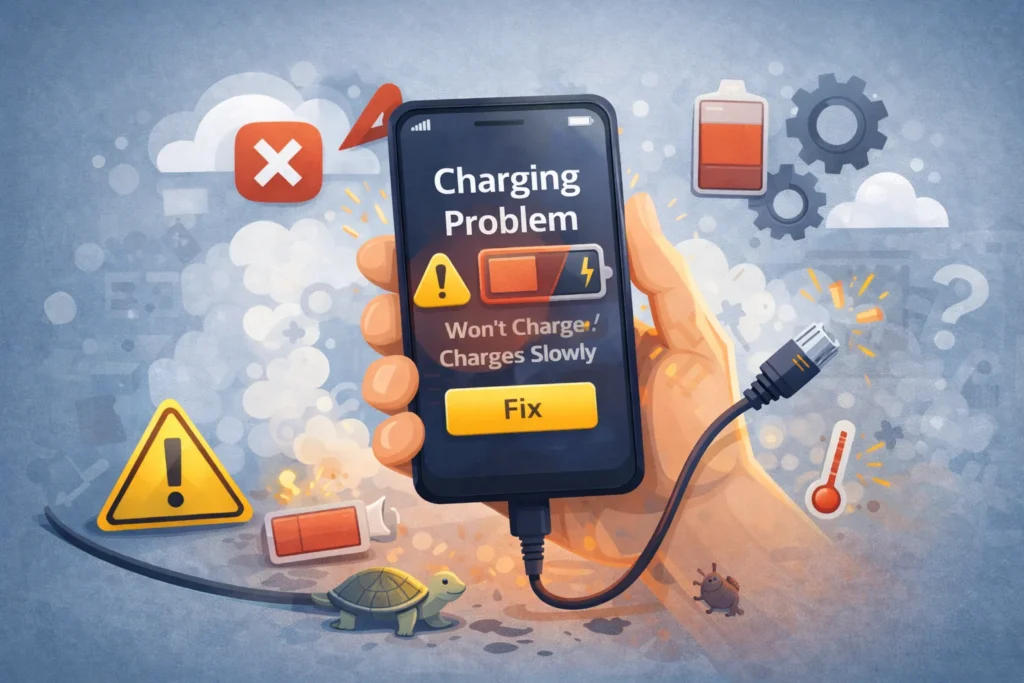
Phone Won’t Charge or Charges Slowly? Here’s How to Fix It
Fix a phone that won't charge or charges slowly. Clear port debris, test bad cables, and solve software...
Fix a phone that won't charge or charges slowly. Clear port debris, test bad cables, and solve software...

Fix slow internet speed and buffering instantly. Optimize router settings, stop bandwidth hogs, and switch to 5GHz for...
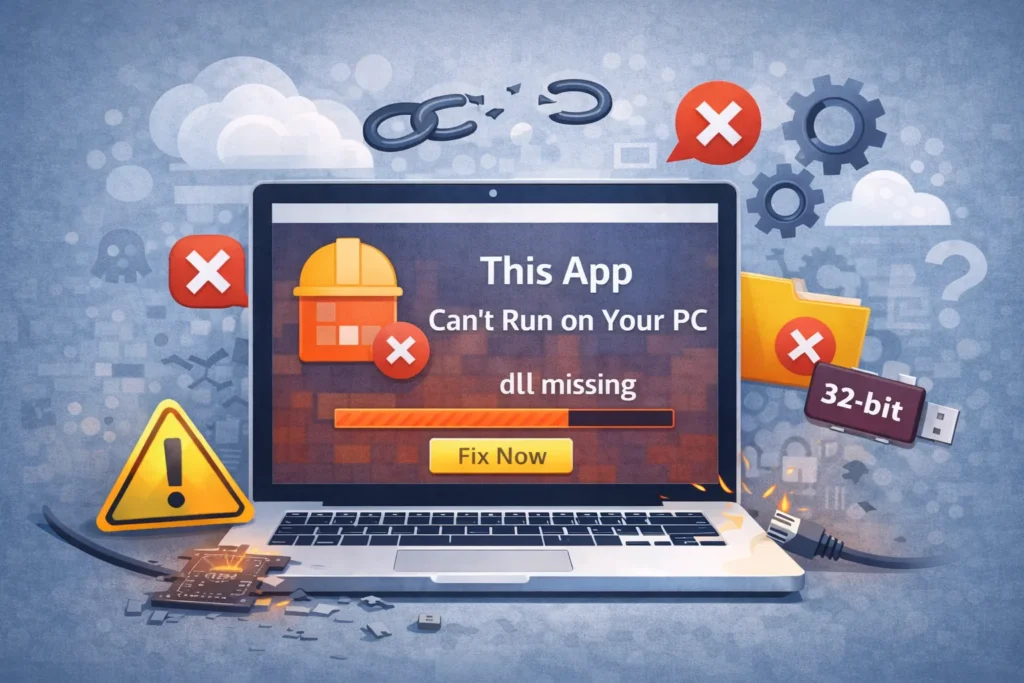
Fix "This app can't run on your PC" error on Windows 11/10. Solve compatibility issues, 32-bit/64-bit mismatch, and...

Fix an unresponsive touchscreen, ghost touches, or dead zones instantly. Troubleshoot software freezes, screen protectors, and hardware faults.
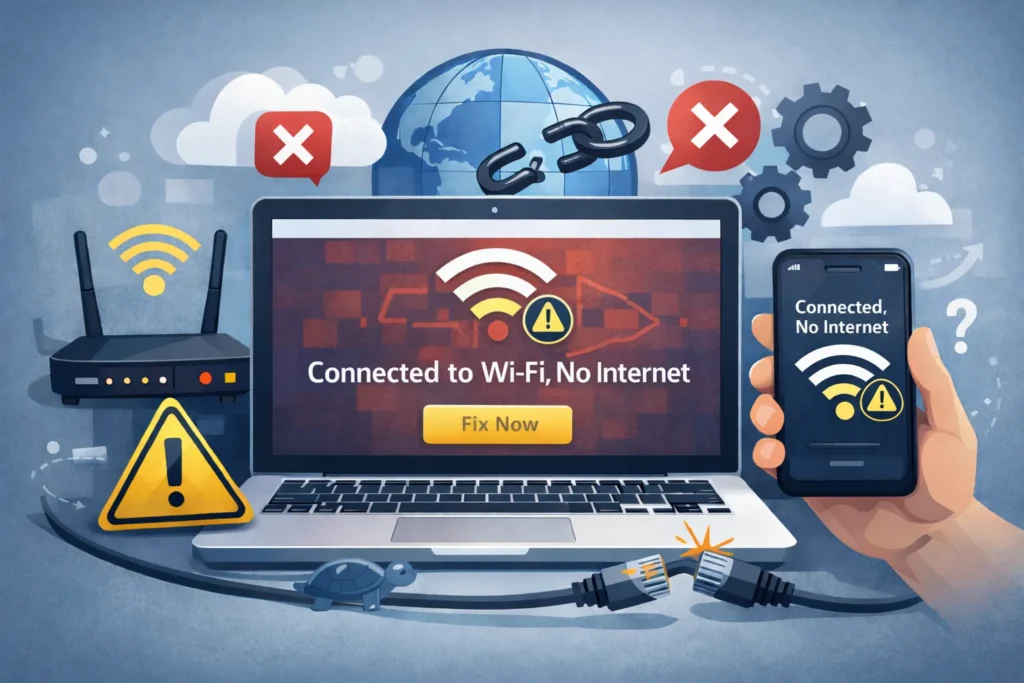
Fix "WiFi connected but no internet" error instantly. Troubleshoot DNS failures, IP conflicts, and router hangs to restore...
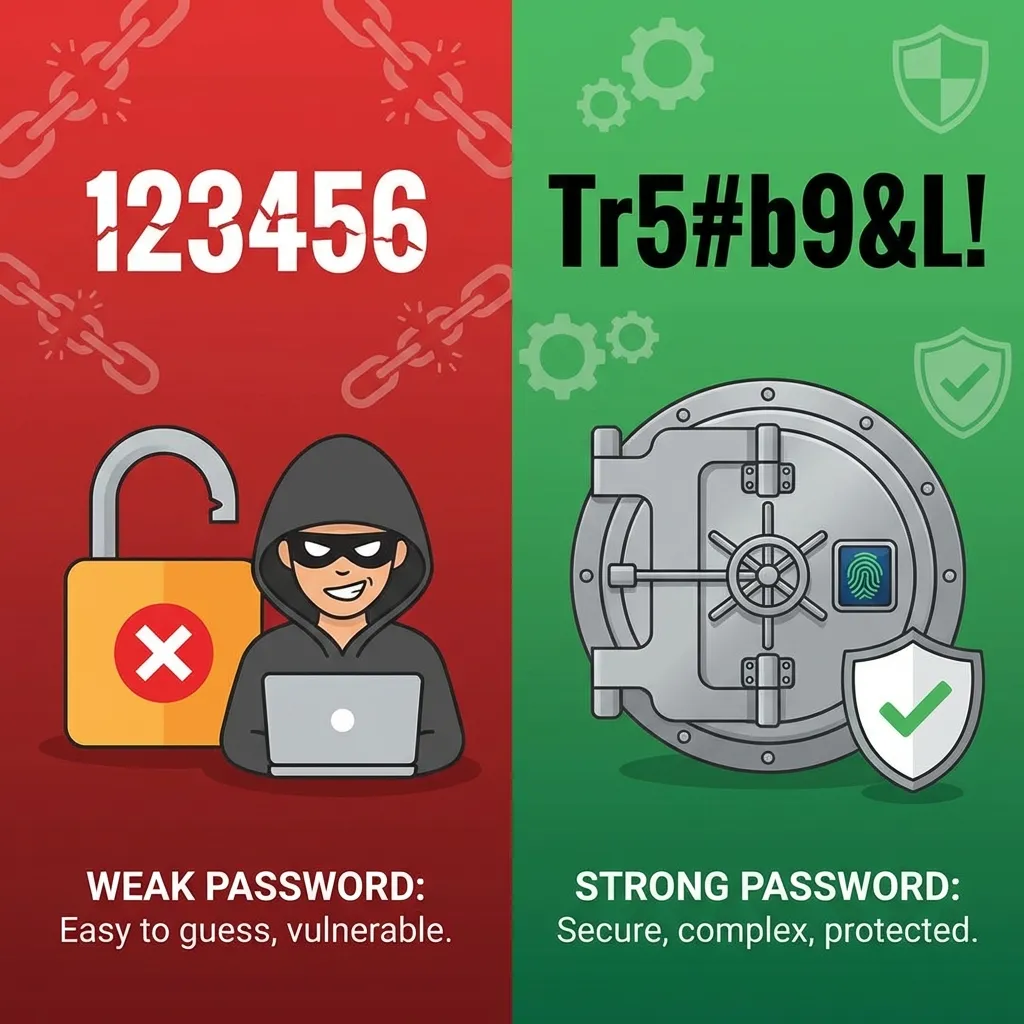
Why use a password manager? This is the single most effective step you can take to secure your...

Realizing you need to recover a hacked Google account triggers a specific kind of panic. It starts with...
Search for an error message, app, or device, or browse the device categories. Check the steps and any model or version notes before following a fix.
Troubleshooting can carry risks, especially when it changes system settings or data. Read each step first, back up important data, and stop if it does not match your device.
Try another relevant guide or contact us with your device model, software version, and exact error message.
Some guides cover older devices and software. Search for your model or version and check the guide date and compatibility details.