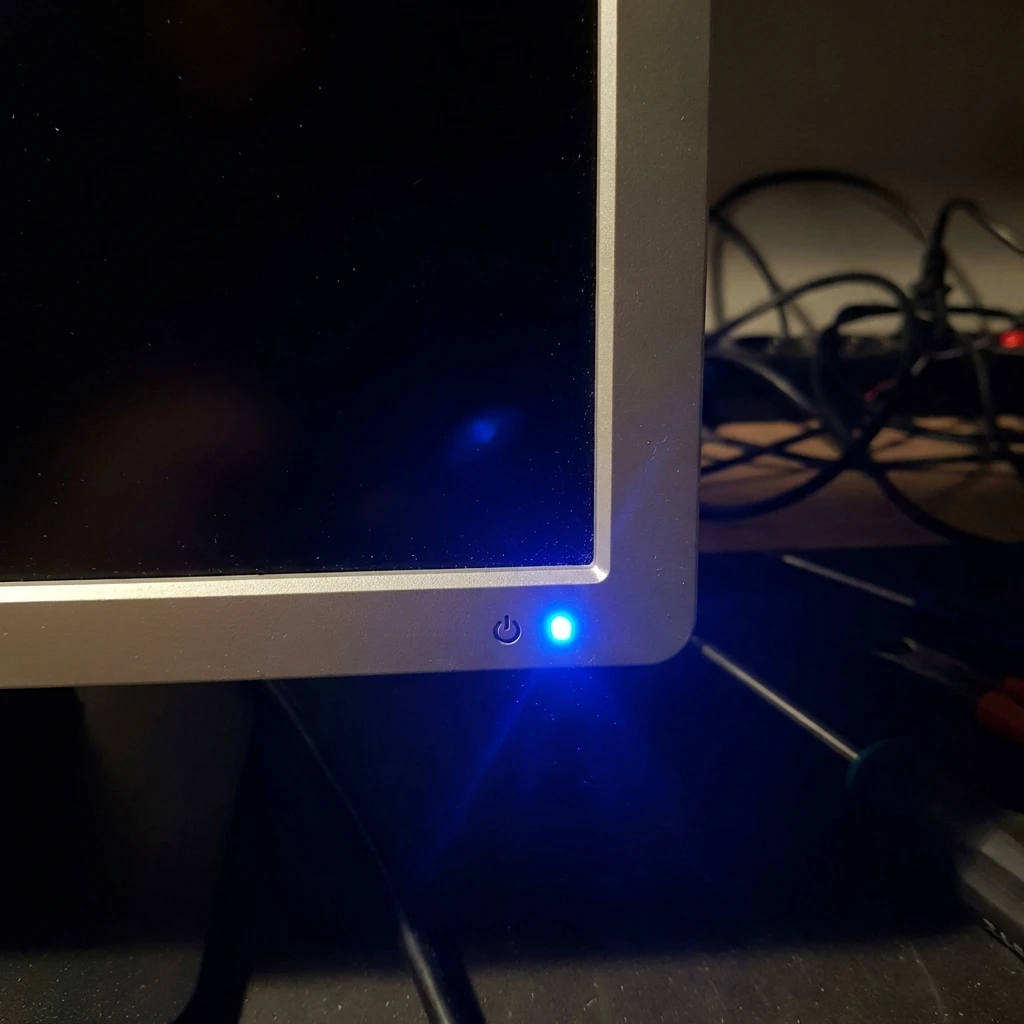
Critical Fixes for a Blue Light But Black Screen
Monitor shows blue power light but black screen? It's likely a handshake error or backlight failure. Try our...
Monitor shows blue power light but black screen? It's likely a handshake error or backlight failure. Try our...
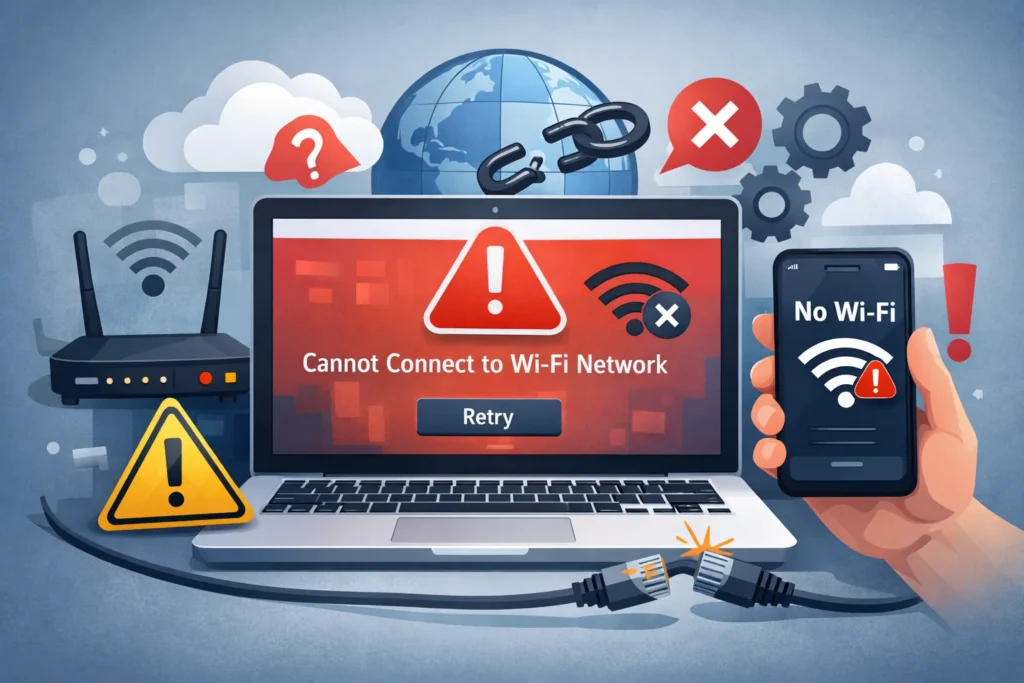
Fix "Can't connect to this network" errors on Windows. troubleshoot refused connections, WPA2 password issues, and forgotten network...

Computer turns on but no display? Fans spinning, lights on, but simple black screen? Fix the 'Black Screen...

Desktop PC won't power on? Don't panic. Use our 5-step diagnostic flows to test your PSU, Motherboard, and...

Fix "Error 1603: A fatal error occurred during installation" on Windows 11/10. Proven steps for permissions, temp files,...
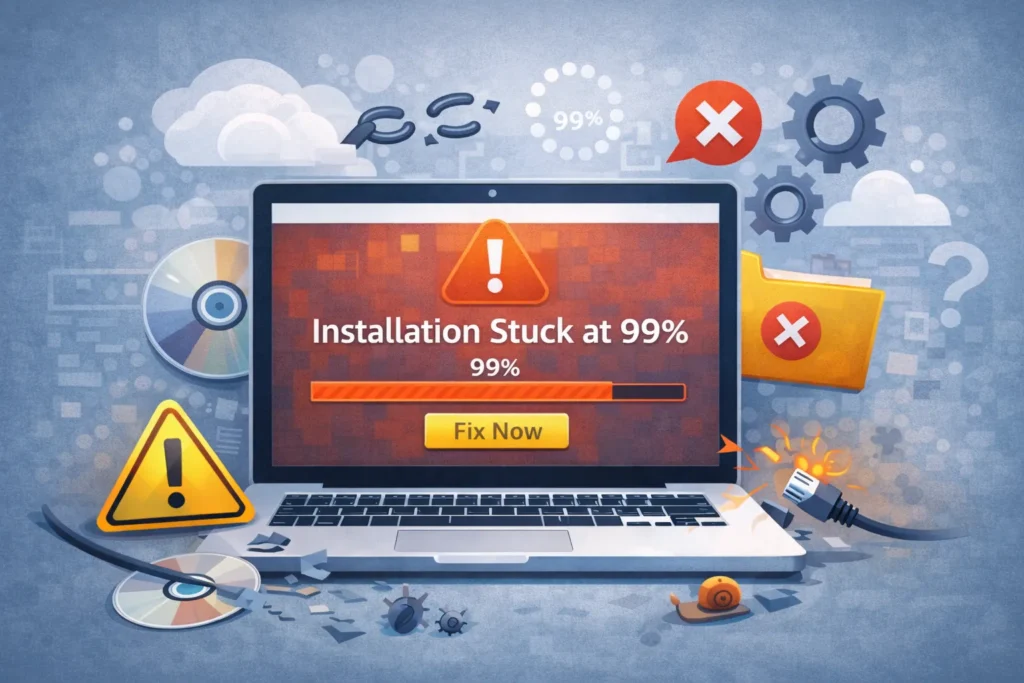
Fix software installation stuck at 99% or 0%. Troubleshoot frozen installers, antivirus interference, and hidden setup windows on...
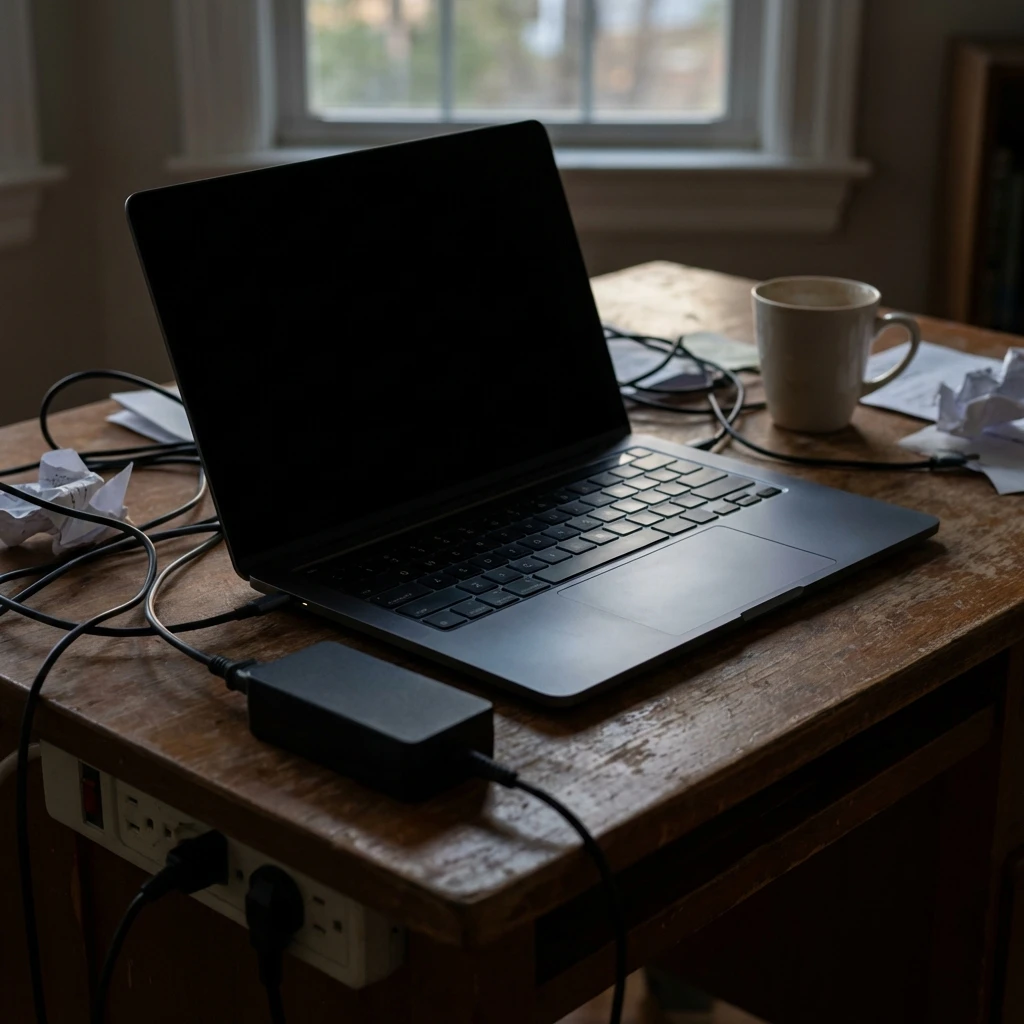
Laptop shows no signs of life? No lights, no fan? Don't toss it yet. Try the 60-second power...

Fix "Limited Connectivity" and "No Internet Access" errors on Windows. Solve the yellow warning triangle, unidentified networks, and...
Fix "missing DLL file" errors on Windows 11/10 safely. Install official Visual C++ Runtimes, DirectX, and repair system...
Fix phone overheating instantly. Learn why your phone gets hot and how to cool it down safely. Solutions...
Search for an error message, app, or device, or browse the device categories. Check the steps and any model or version notes before following a fix.
Troubleshooting can carry risks, especially when it changes system settings or data. Read each step first, back up important data, and stop if it does not match your device.
Try another relevant guide or contact us with your device model, software version, and exact error message.
Some guides cover older devices and software. Search for your model or version and check the guide date and compatibility details.