How to Fix an External Hard Drive on Mac
External drive not showing up on Mac? Learn how to fix external hard drives on macOS. Use Disk...
External drive not showing up on Mac? Learn how to fix external hard drives on macOS. Use Disk...
You bought the legendary Logitech G502 Hero because it’s built for control: 11 programmable buttons, adjustable DPI, and...

Mac running slow or getting pop-ups? Learn how to fix malware on Mac. Remove browser hijackers, delete launch...
Elgato microphone sounding robotic? Learn how to fix robot voice on Elgato software mac. Fix sample rate mismatch,...
Wi-Fi: No Hardware Installed? Find out how much it costs to fix Mac Wi-Fi hardware. Compare Apple Logic...
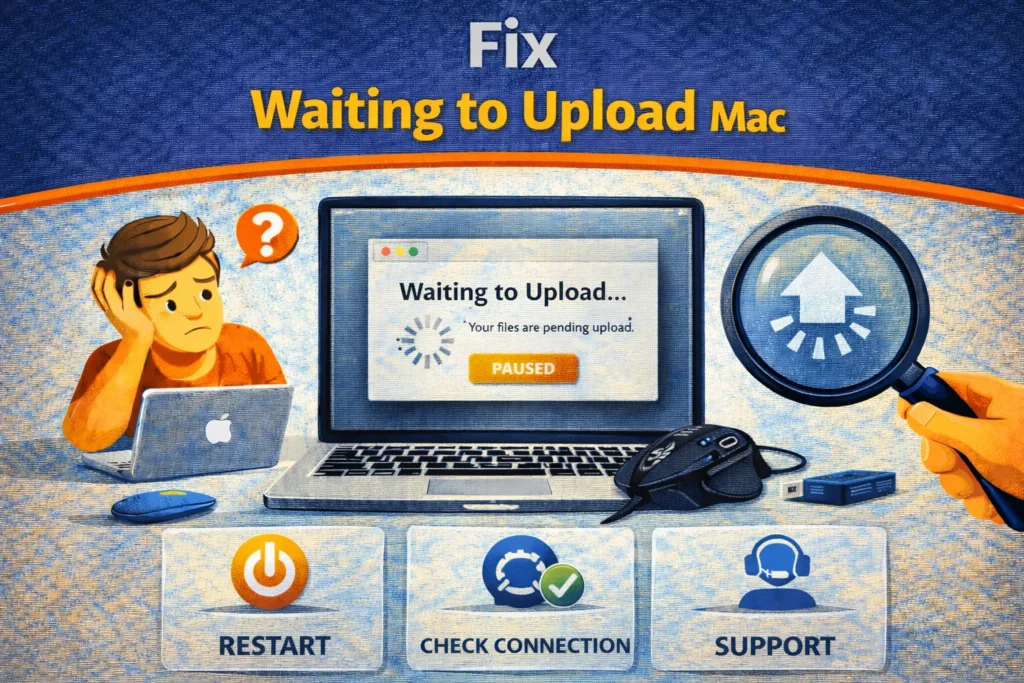
iCloud Drive stuck on 'Waiting to Upload'? Learn how to fix Mac sync issues. Use restart commands, check...
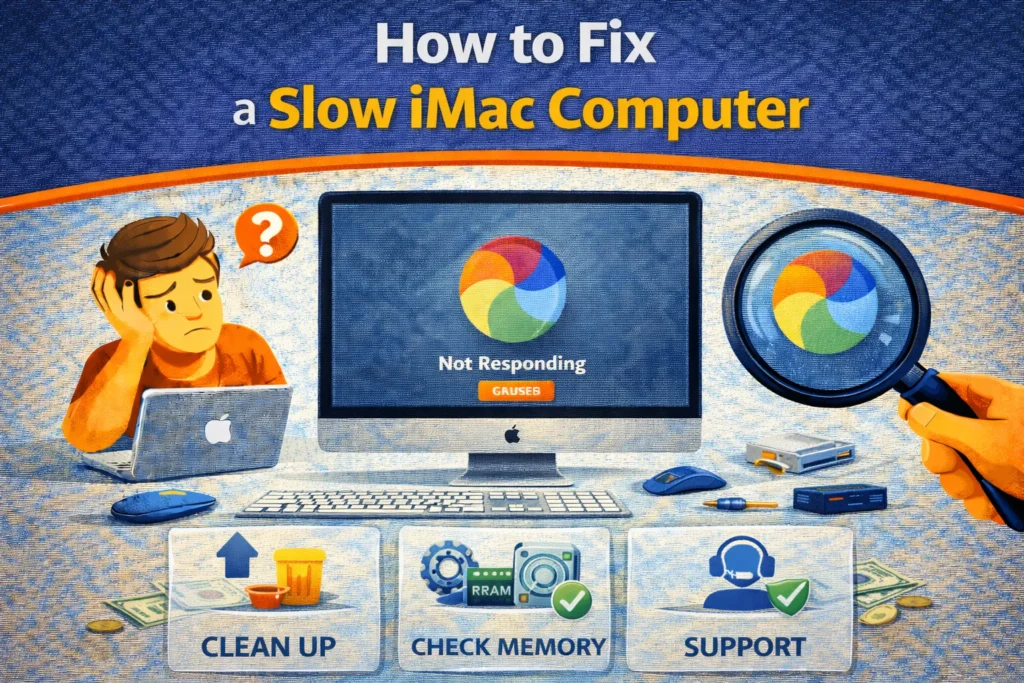
iMac running slow? Learn how to fix a slow iMac computer. Bypass failing Fusion Drives with external SSDs,...
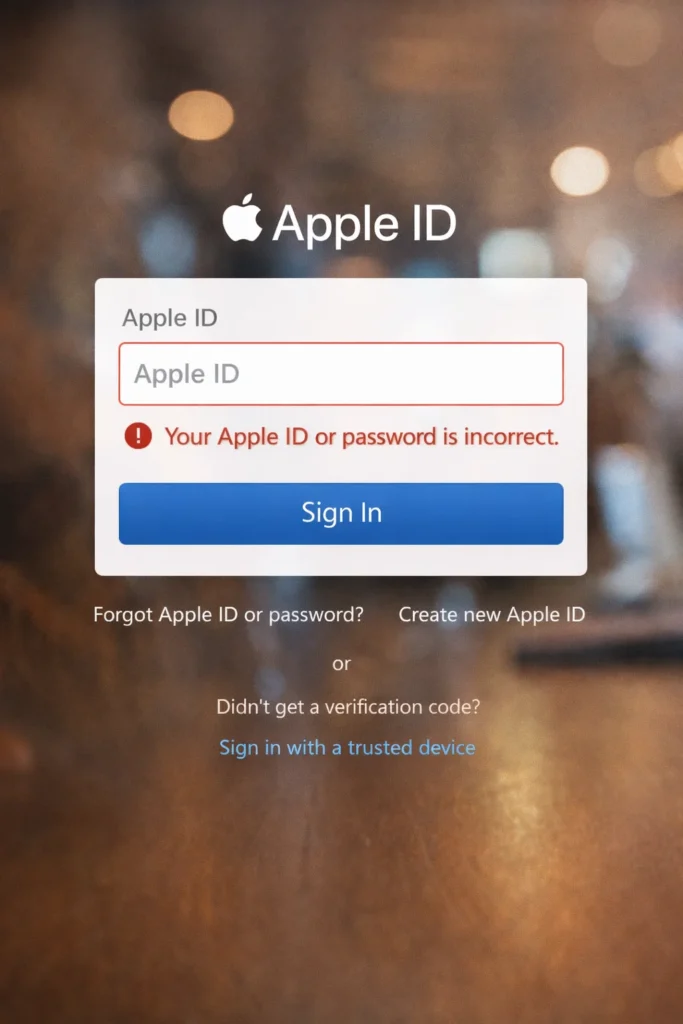
Apple account login not working is a common authentication failure affecting users on iPhone, iPad, Mac, Windows browsers,...
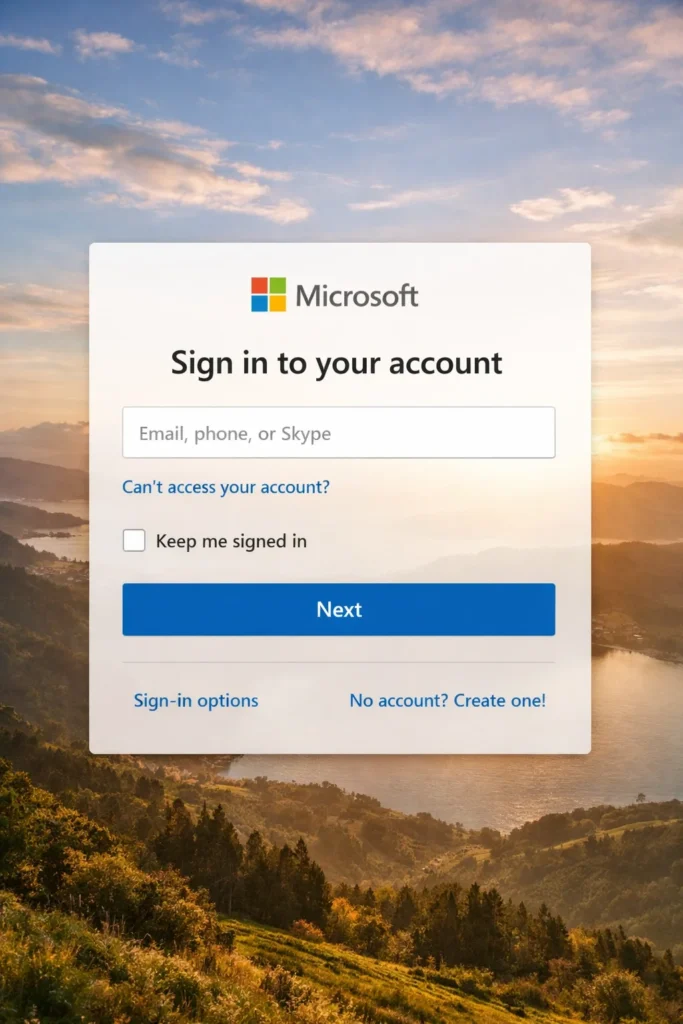
Microsoft Account Login Failed usually means you can’t complete the Microsoft sign-in flow: it loops back to the...

Fix apps that keep closing automatically or crashing to home screen. Solve Android "App keeps stopping" errors and...
Search for an error message, app, or device, or browse the device categories. Check the steps and any model or version notes before following a fix.
Troubleshooting can carry risks, especially when it changes system settings or data. Read each step first, back up important data, and stop if it does not match your device.
Try another relevant guide or contact us with your device model, software version, and exact error message.
Some guides cover older devices and software. Search for your model or version and check the guide date and compatibility details.