
Google Ads Login Not Working? Here’s How to Fix It
Google Ads Login Not Working? Fix access denied errors, 2-Step Verification blocks, and account access issues with these...
Google Ads Login Not Working? Fix access denied errors, 2-Step Verification blocks, and account access issues with these...
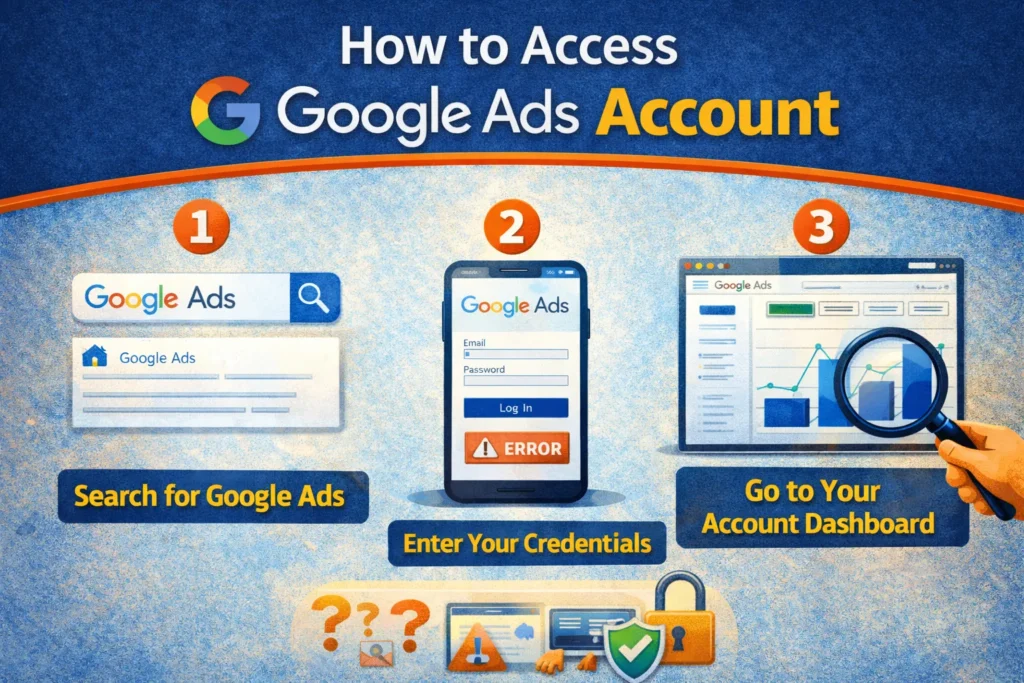
How to Access Google Ads Account for the first time, on mobile, with multiple accounts, or as a...
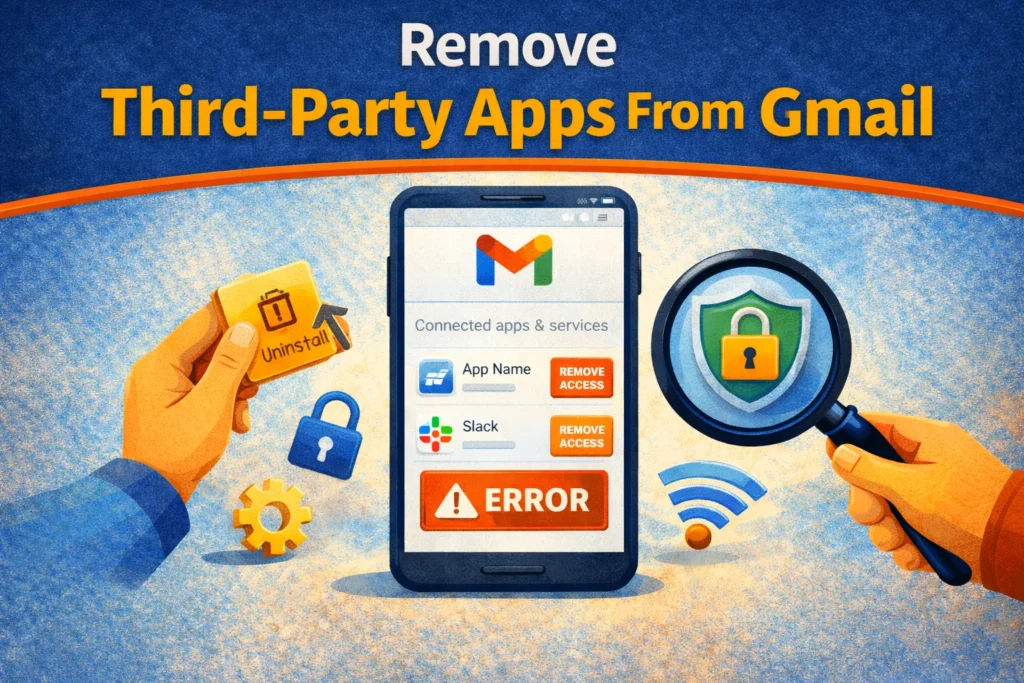
Remove Third-Party Apps From Gmail to secure your account. Revoke unwanted API access, fix suspicious activity alerts, and...
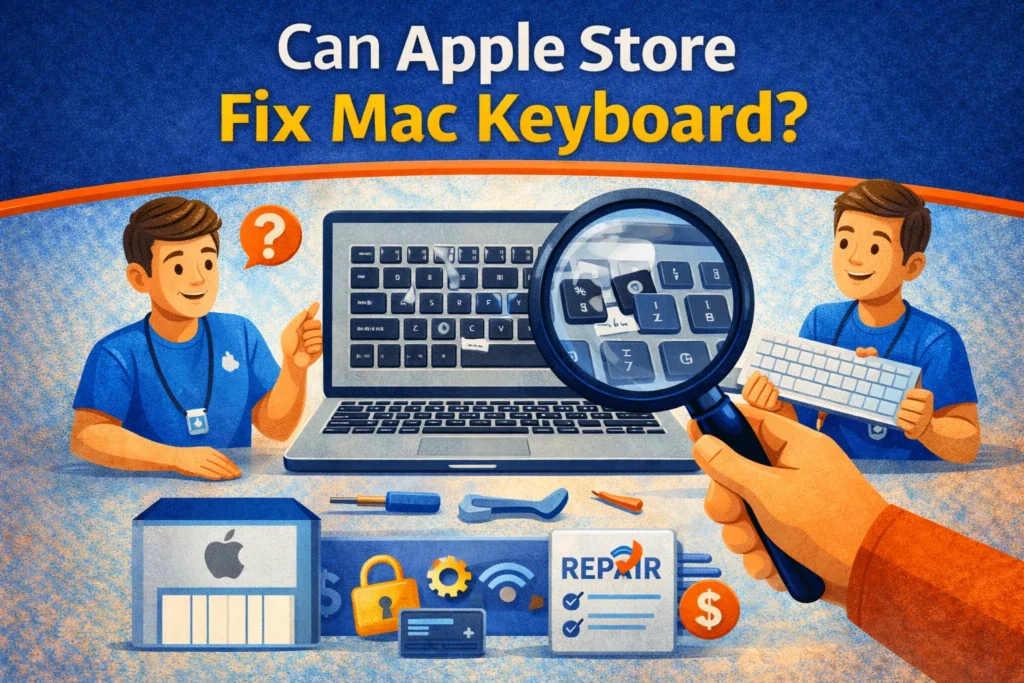
Keyboard broken or sticky? Find out if Apple Store can fix Mac keyboard issues. Learn about the free...

Getting the 'Adobe Genuine Software Verification Failure' pop-up on Mac? Learn how to disable the notification, remove AdobeGCClient,...
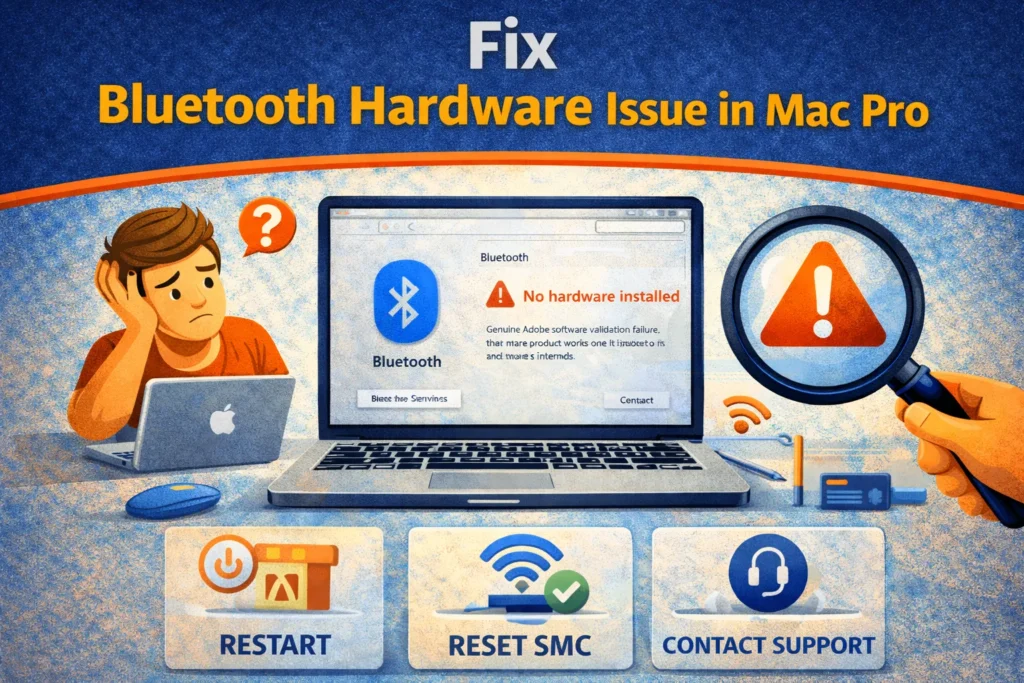
Troubleshoot Mac Bluetooth pairing, interference and system checks before treating a connection problem as a hardware fault.
Protect damaged Mac files, restore an older copy, check the disk safely and use Photos repair only for...

Mac won't turn on or stuck on firmware screen? Learn how to fix a bricked Mac. Use Apple...
Mac stuck on 'A critical software update is required'? Learn how to fix this Touch Bar error. Use...
Mac Software Update failed with Error 102? Learn how to fix macOS update errors. Use Terminal, Safe Mode,...
Search for an error message, app, or device, or browse the device categories. Check the steps and any model or version notes before following a fix.
Troubleshooting can carry risks, especially when it changes system settings or data. Read each step first, back up important data, and stop if it does not match your device.
Try another relevant guide or contact us with your device model, software version, and exact error message.
Some guides cover older devices and software. Search for your model or version and check the guide date and compatibility details.