How to Fix AI Text Summarization Problems
Struggling with AI text summarization problems? Our expert guide provides 6 critical fixes for inaccurate, missing, or irrelevant...
Struggling with AI text summarization problems? Our expert guide provides 6 critical fixes for inaccurate, missing, or irrelevant...
Identify whether a token error comes from context size, output length, API rate limits, or account usage, then...

Struggling with biased AI models? Learn 6 proven methods to fix AI training data imbalance and improve your...
AI training pipeline crashes halt progress. Learn 6 proven fixes for OOM errors, data loader hangs, and GPU...
AI voice recognition not working? Follow our 6 critical fixes for Alexa, Siri, and Google Assistant to solve...
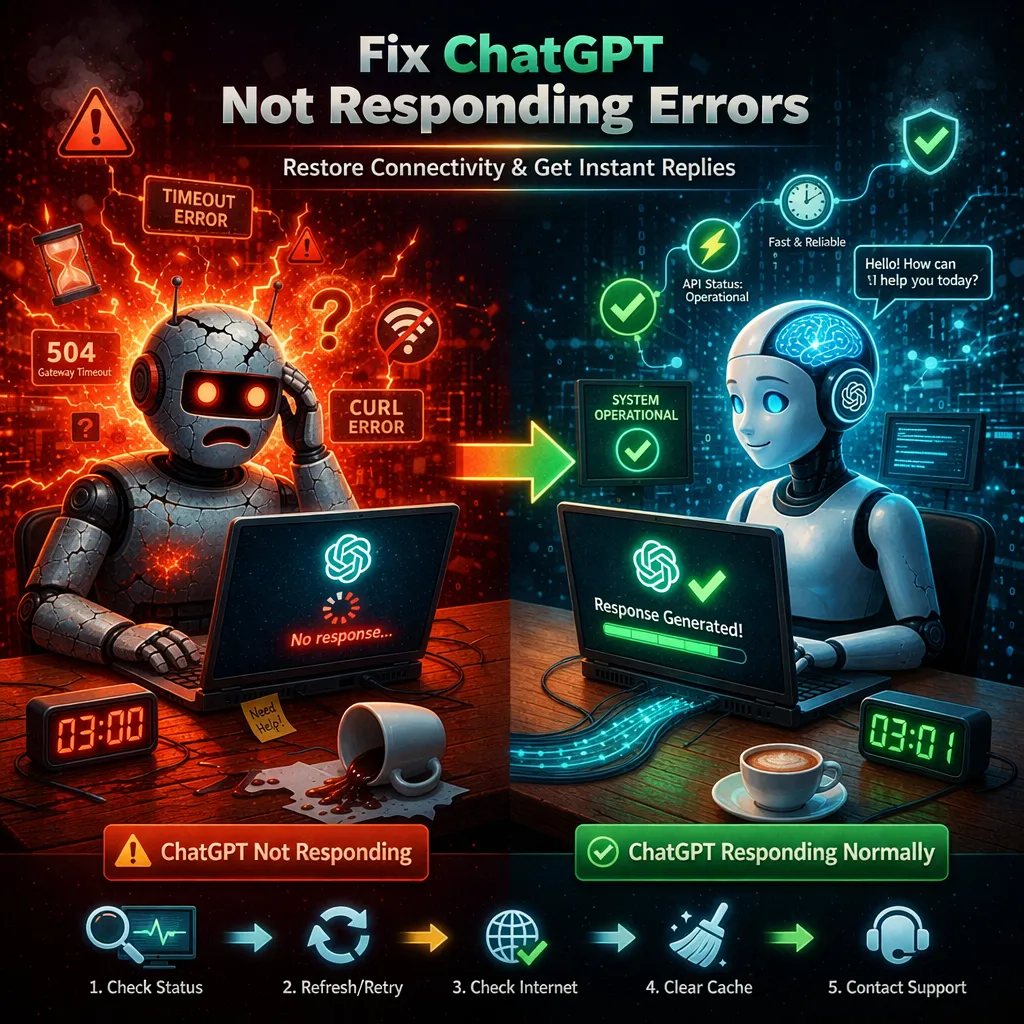
ChatGPT not responding? Fix it fast with our 6 proven solutions for network issues, browser problems, and account...
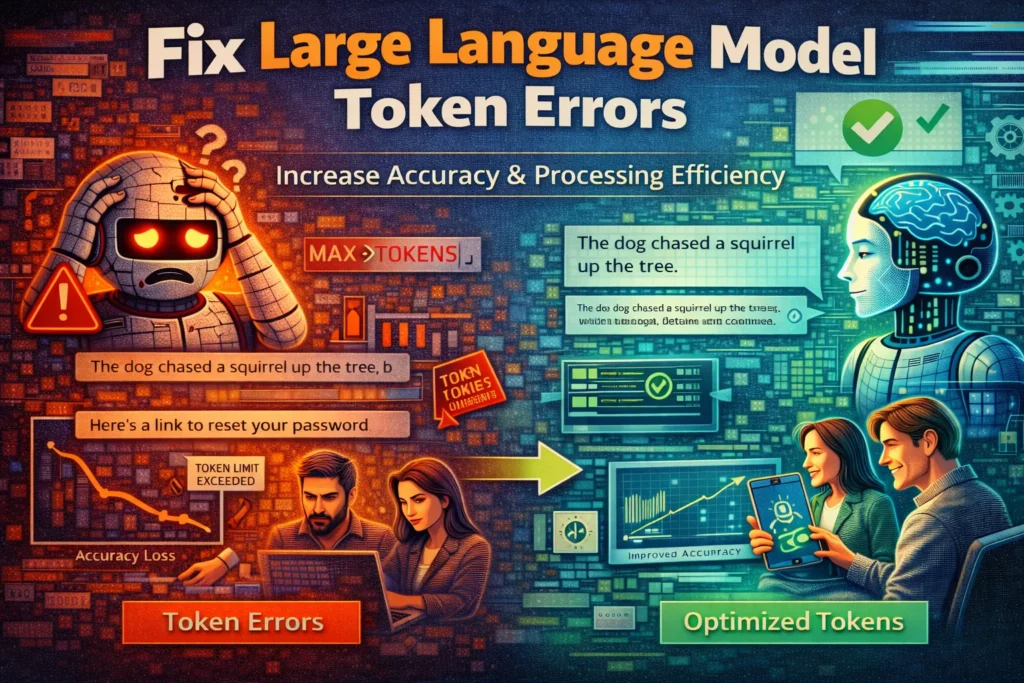
Stuck with LLM token errors? Our expert guide provides 6 proven fixes for context length, tokenization, and rate...
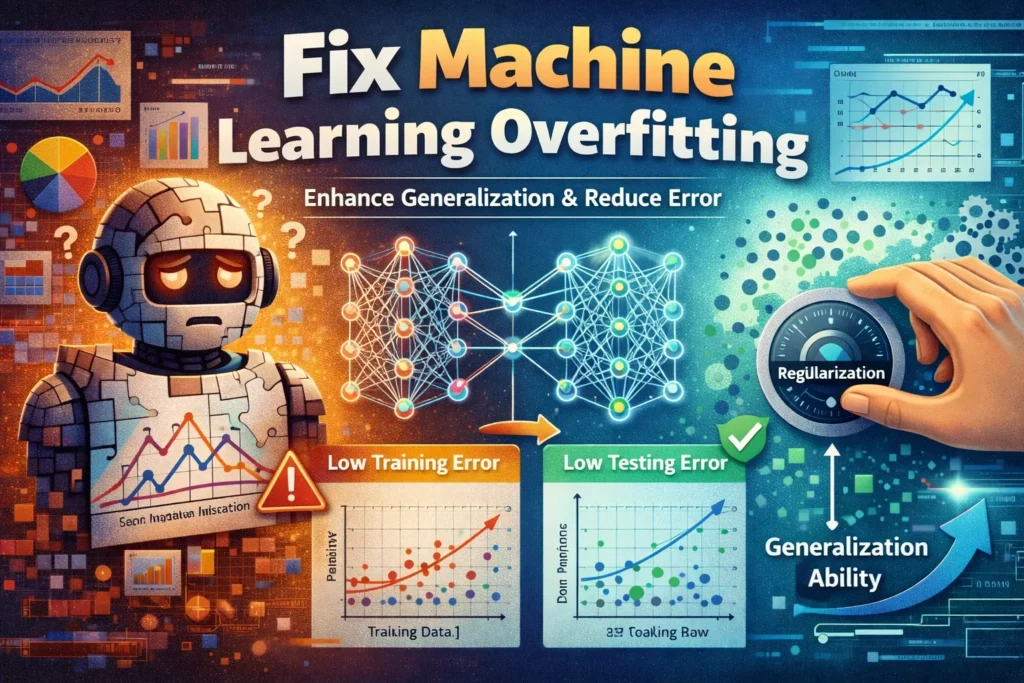
Struggling with overfitting? Learn 6 proven methods to fix machine learning overfitting, improve model generalization, and get accurate...
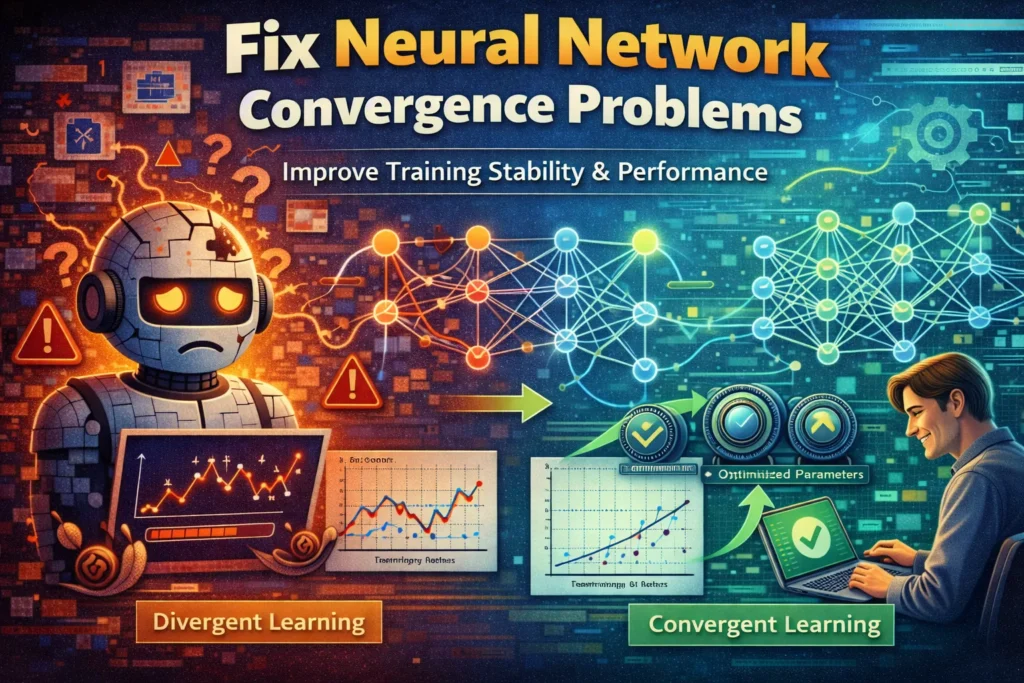
Struggling with neural network convergence? Discover 6 proven fixes for unstable loss, exploding gradients, and poor model performance.
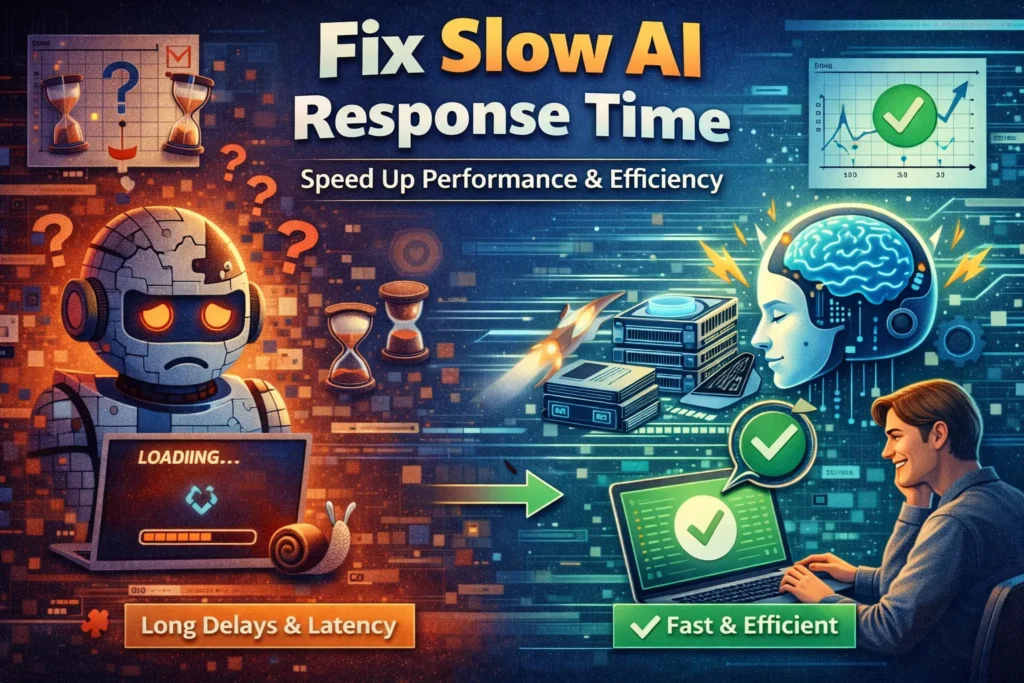
Is your AI assistant lagging? Fix slow AI response time with these 6 proven troubleshooting steps for faster,...
Search for an error message, app, or device, or browse the device categories. Check the steps and any model or version notes before following a fix.
Troubleshooting can carry risks, especially when it changes system settings or data. Read each step first, back up important data, and stop if it does not match your device.
Try another relevant guide or contact us with your device model, software version, and exact error message.
Some guides cover older devices and software. Search for your model or version and check the guide date and compatibility details.