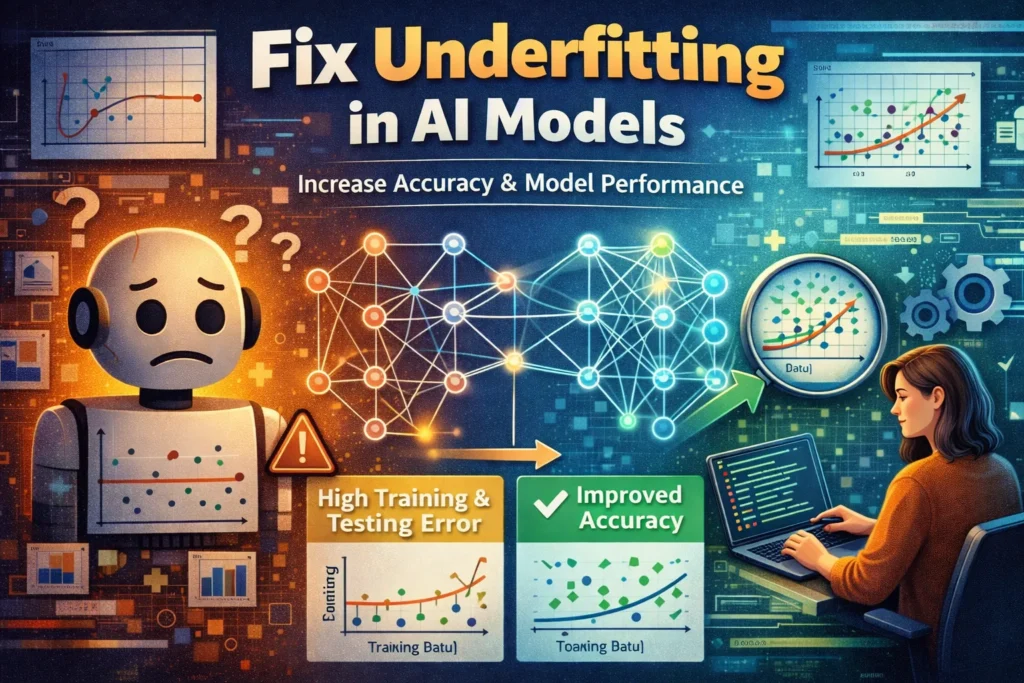
How to Fix Underfitting in AI Models
Is your AI model too simple? Learn 6 proven fixes for underfitting, from increasing model complexity to feature...
Is your AI model too simple? Learn 6 proven fixes for underfitting, from increasing model complexity to feature...
Diagnose AI API failures by status and error code: check credentials, request format, rate limits, network timeouts, and...

What Causes “Email Not Registered”? Fix 1: Verify and Re-enter Your Email Address Fix 2: Attempt Account Recovery...
Diagnose an Ahrefs API sync failure by checking account access, keys or OAuth, status codes, limits, and recent...

AI Cybersecurity Integration Not Working with your enterprise tools? Fix SIEM connection errors, API authentication, and data sync...

AI Data Governance Integration Not Working with your data tools? Fix catalog sync errors, API authentication, and metadata...
AI Development Tool Integration Not Working with your IDE or CI/CD? Fix GitHub Copilot errors, API authentication, and...
AI Document Tool API Integration Not Working with third-party platforms? Fix authentication errors, connection timeouts, and sync failures...
Cursor AI Integration Not Working with Git, extensions, or debuggers? Fix connection errors, sync failures, and tool compatibility...
Data Warehouse AI Analytics Integration Not Working? Fix connection errors, query timeouts, and sync failures between Snowflake, BigQuery,...
Search for an error message, app, or device, or browse the device categories. Check the steps and any model or version notes before following a fix.
Troubleshooting can carry risks, especially when it changes system settings or data. Read each step first, back up important data, and stop if it does not match your device.
Try another relevant guide or contact us with your device model, software version, and exact error message.
Some guides cover older devices and software. Search for your model or version and check the guide date and compatibility details.