How to Fix DeepSeek Integration Not Working
DeepSeek Integration Not Working with your AI platforms? Fix API errors, connection timeouts, and authentication issues with these...
DeepSeek Integration Not Working with your AI platforms? Fix API errors, connection timeouts, and authentication issues with these...

Ollama Integration Not Working with your AI platforms? Fix API connection errors, model loading failures, and tool compatibility...
Perplexity AI Integration Not Working with your tools? Fix API errors, connection issues, and authentication failures with these...
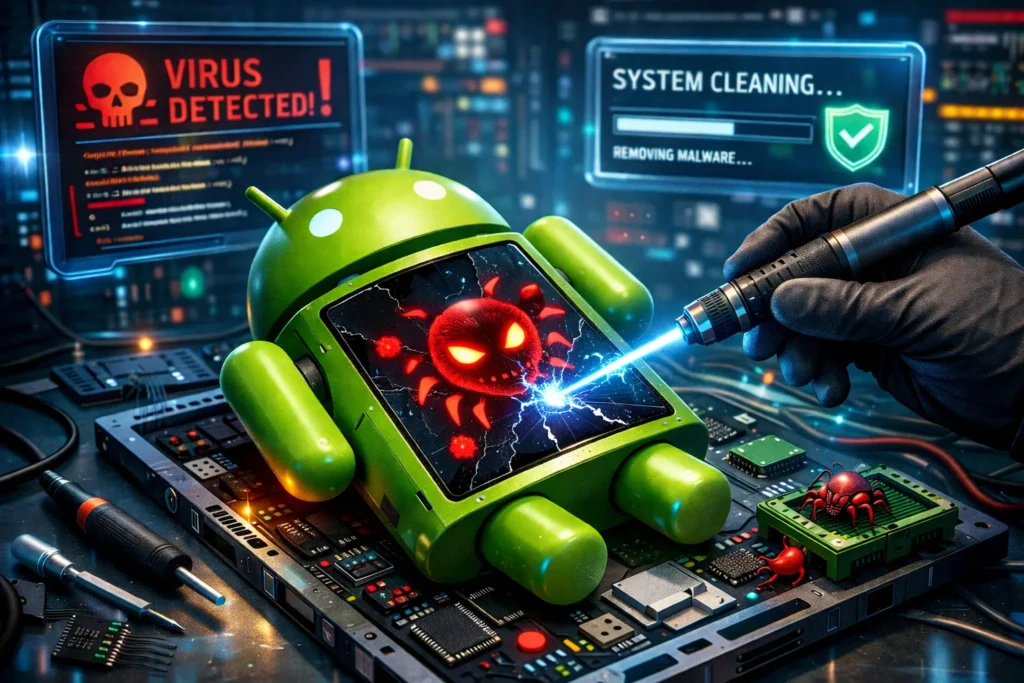
Phone spamming you with ads? Learn how to fix advertisement virus on Android. Remove ghost apps, stop browser...

Android not charging? Fix charging port issues, slow charging, and cable problems with 9 tested methods. Complete troubleshooting...
Suspect unsafe software on Android? Check Play Protect, updates and untrusted apps; secure accounts and reset only after...

Saved a blurry memory? Learn how to fix a blurry photo on Android using Google Photos Unblur, Remini...
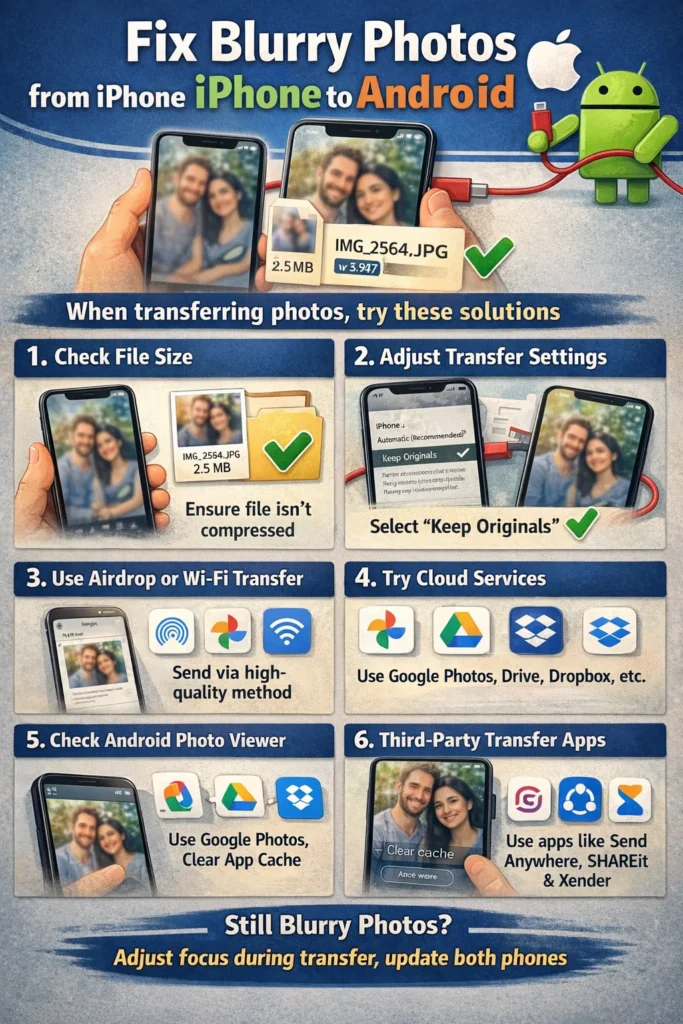
iPhone photos sending blurry to Android? Fix pixelated images and videos using RCS, WhatsApp HD, and cloud links....
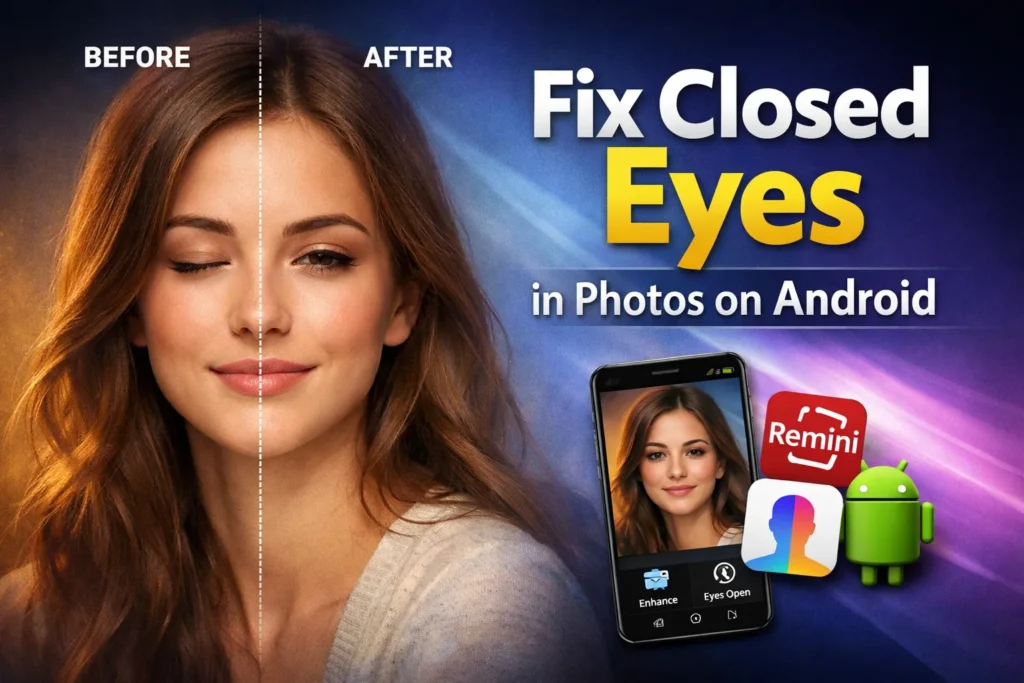
Blinked in a great photo? Learn how to fix closed eyes on Android using Google Best Take, FaceApp,...
Remove red, white, or green glowing eyes from Android photos using Google Photos, Snapseed & built-in tools. Complete...
Search for an error message, app, or device, or browse the device categories. Check the steps and any model or version notes before following a fix.
Troubleshooting can carry risks, especially when it changes system settings or data. Read each step first, back up important data, and stop if it does not match your device.
Try another relevant guide or contact us with your device model, software version, and exact error message.
Some guides cover older devices and software. Search for your model or version and check the guide date and compatibility details.