PHP security update alerts in October 2026 concern the software running behind many websites. Two serious bugs prompted emergency releases on October 21, with a separate configuration advisory on October 23. Website owners should confirm what their host has actually patched rather than assume that updating a plugin completes the job.
Source review: October 24, 2026. Check the linked vendor advisories for later changes.
1. Understand what the PHP security update fixes
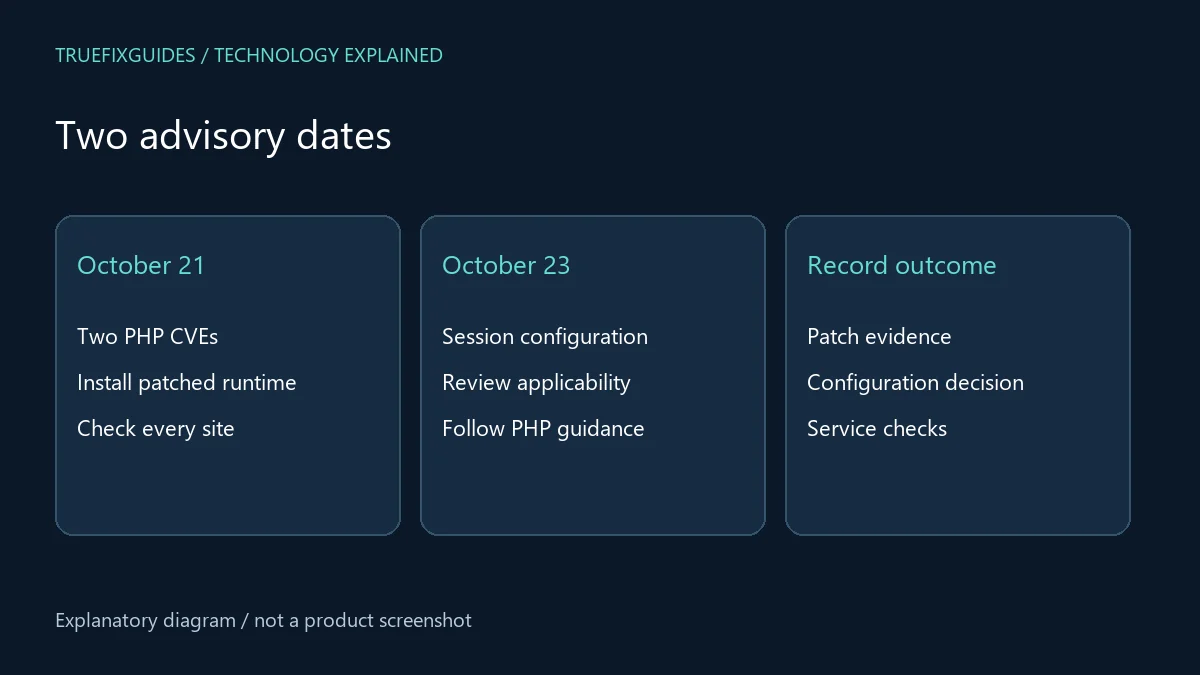
PHP identified CVE-2026-109618 and CVE-2026-109619, vulnerabilities that can allow remote code execution without a login. The October 21 fixes are PHP 8.5.12, 8.4.27, 8.3.36, and 8.2.35. Web-serving installations are affected, including PHP-FPM, Apache mod_php, CGI, FrankenPHP, and LiteSpeed. See the official PHP security announcements.
Remote code execution means an attacker may be able to make the server run instructions. A public website still loading normally is not evidence that its runtime is patched. Treat the alert as a maintenance priority, and ask the person responsible for hosting to confirm the deployed fix.
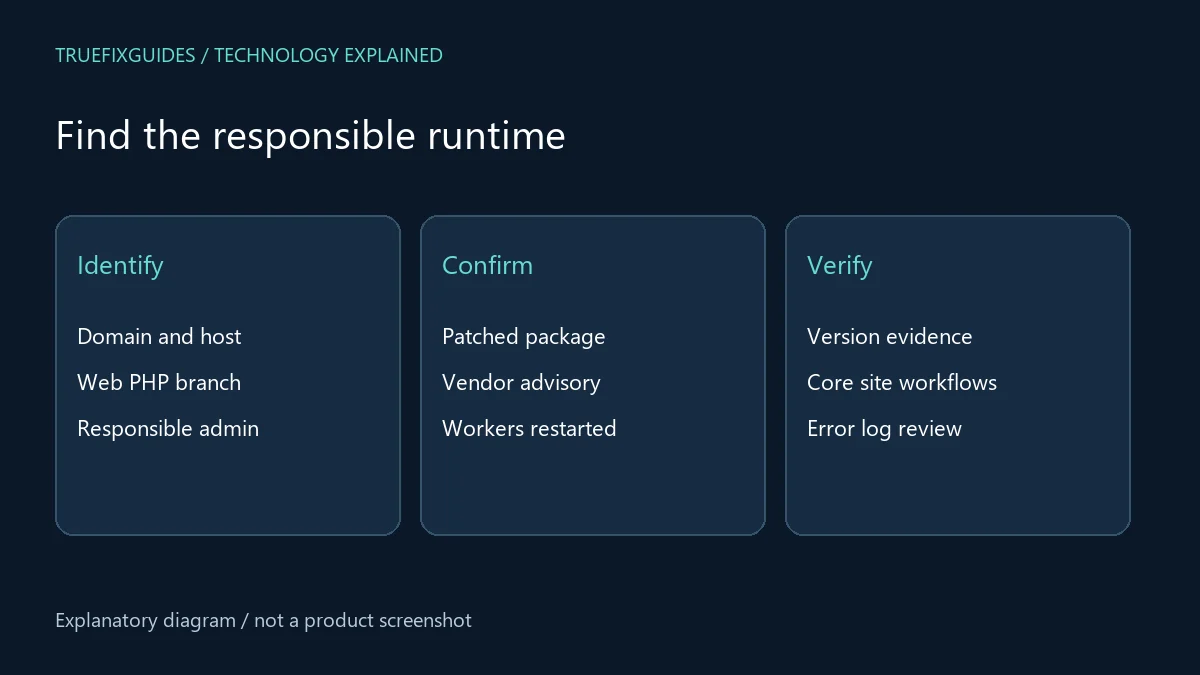
2. Identify the runtime serving your website
For WordPress, open Tools → Site Health → Info → Server and record the PHP version. WordPress explains this check in its PHP security notice. A control panel may also show the runtime selected for each domain.
Check every live application, subdomain, and separate hosting account. A terminal’s PHP version may differ from the version handling web requests. Ask your host to verify the active web runtime rather than sending only a screenshot of a command-line result.
Keep the domain, runtime branch, hosting plan, and responsible contact together in one short list. That makes the PHP security update easier to track across several sites.
3. Confirm a patched package with your host
Use this release table as a reference for the October 21 upstream fixes, then check for newer releases before making changes.
| PHP branch | October 21 patched release |
|---|---|
| 8.5 | 8.5.12 |
| 8.4 | 8.4.27 |
| 8.3 | 8.3.36 |
| 8.2 | 8.2.35 |
Some operating-system vendors backport fixes without matching the upstream version number. Request the vendor advisory and package revision if your host reports a backport. Save that evidence with the maintenance record.
A useful question is: “Has the PHP security update covering both October 21 CVEs been applied to the runtime serving my domain, and have the affected workers been restarted?” Ask for an explicit answer for your account.
4. Review the October 23 follow-up
PHP subsequently advised disabling session upload progress until the next regular bugfix release for an unusual configuration-dependent RCE risk. It involves an application switching its session serializer at runtime while upload progress remains enabled. Applications that never switch the serializer at runtime can keep the feature enabled. The October 23 advisory provides the conditions and guidance.
Send this advisory to your administrator alongside the October 21 notice. Configuration should be reviewed in the context of your application’s requirements. Do not paste settings into a random WordPress file and assume that the server now uses them.
Record whether this follow-up applies and who checked it. A completed PHP security update should have a clear explanation of any remaining configuration work.
5. Prepare recovery without delaying urgent work
Before planned maintenance, identify a recent usable backup and the person who can restore it. For a dynamic site, files alone are insufficient: the database may hold orders, users, and published content. Confirm where the backup is stored and that access still works.
If possible, test the intended supported runtime with a copy of the application. Check login, uploads, forms, payments in a test mode, and scheduled work. Keep this preparation focused so an urgent patch does not become a lengthy redesign.
Tell the host about essential extensions and custom code. Ask how they will recover service if compatibility problems appear after the PHP security update.
6. Verify service after the change
After maintenance, repeat the server-version check and keep the host’s package confirmation. Open a public page in a fresh session, sign in with a test account, and exercise the workflows visitors actually need. Use a harmless test submission rather than a real purchase.
Check application and server logs for new errors around the maintenance time. Compare with the earlier baseline so an old warning is not mistaken for a new regression. If one feature fails, report that feature and its error rather than declaring the whole site broken.
The PHP security update closes identified weaknesses; it does not prove that a previously exposed server was never compromised. Suspicious files, unexpected administrators, or unexplained redirects need separate investigation.
7. Keep a clear maintenance record
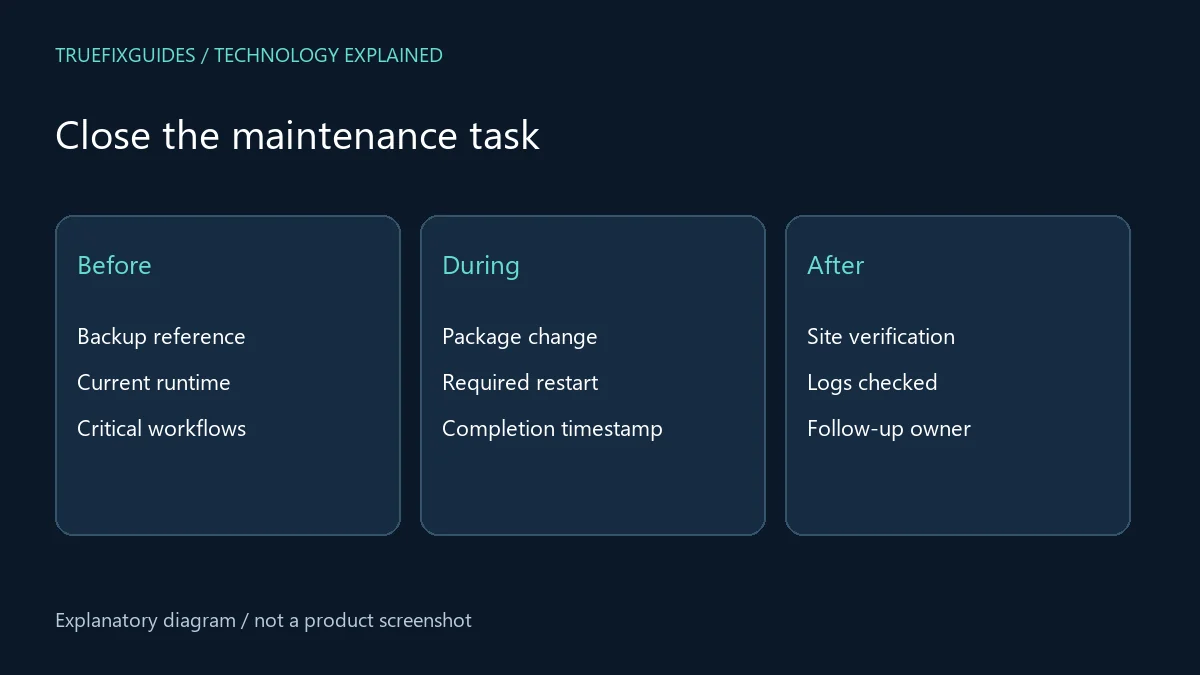
Save the previous runtime, installed package, completion time, restart confirmation, backup reference, and test results. For multiple sites, mark each site separately. A shared server patch may cover several domains, but different pools or containers can still require individual confirmation.
Assign someone to check later advisories and supported-version planning. Avoid treating a temporary mitigation as the permanent end of the task. Your record should distinguish “patch installed,” “configuration reviewed,” and “application verified.”
For related maintenance guidance, browse our software troubleshooting articles. Keep the PHP security update evidence with your other hosting records so the next administrator can understand what happened.
Frequently asked questions
Does updating WordPress fix these PHP bugs?
No. WordPress states that a WordPress update is not required to address these PHP issues. The hosting runtime needs the relevant fix. Keep WordPress maintenance and PHP maintenance as separate checks.
Should I download an exploit to test my site?
No. Ask your host for package and configuration evidence. Running exploit code on a production site can damage service and is unnecessary for ordinary patch verification.
Editorial note: Prepared with AI assistance using the linked official sources. The featured illustration is AI-generated; diagrams explain the workflow. This guide does not claim hands-on testing of the releases.