Pixel Wi-Fi and Bluetooth won’t turn on when both toggles immediately switch back off, remain disabled, or never find networks and accessories. Google’s September 2026 Pixel notes included a fix for Wi-Fi or Bluetooth failing to enable on some Pixel 10-family devices, but similar symptoms can also come from an app conflict, damaged settings or hardware.
Because resetting network settings removes saved Wi-Fi and Bluetooth pairings, begin with the least disruptive checks and record the current Android build.
Quick outcome: Use this Pixel Wi-Fi and Bluetooth won’t turn on guide in order, stopping as soon as the symptom is resolved.
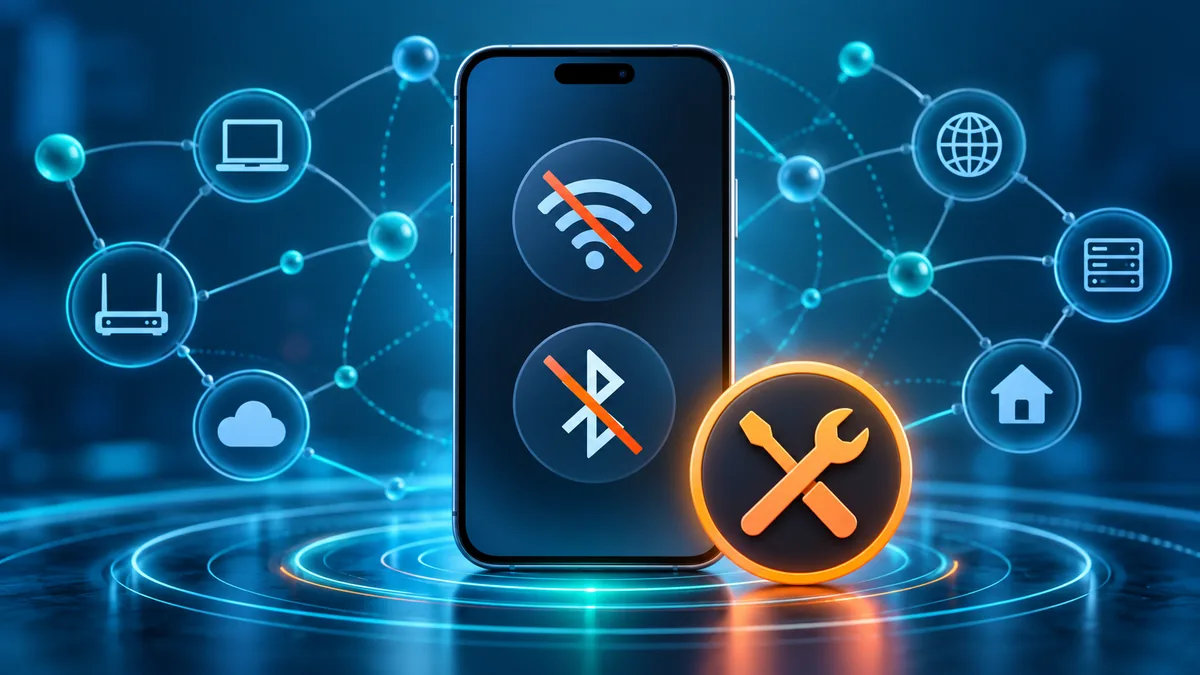
Table of Contents
Table of contents
Pixel Wi-Fi and Bluetooth won’t turn on: define the failure
Open Settings > Network & internet and Settings > Connected devices. Test each toggle once and note whether it is greyed out, turns off immediately or stays on without scanning. Disable Airplane Mode and turn off the hotspot for the comparison.
Restart the phone, then test before opening other apps. If only Wi-Fi fails on one router, use the Wi-Fi-specific path. If both radios fail everywhere, system software or shared hardware becomes more likely.
Record the Pixel model, Android build, security update and whether the phone recently fell, became wet or overheated. Physical damage changes the safest next step.
Install the newest stable Android update
Open Settings > System > Software updates and install every stable update offered. Google’s September 2026 Pixel update explicitly addressed Wi-Fi or Bluetooth not enabling under certain conditions on supported Pixel 10 models.
Restart after the update and test again. Do not flash another model’s factory image or unlock the bootloader for a routine connectivity diagnosis; both can create data loss and security consequences.
Remove accessories and check conflicting modes
Disconnect USB hubs, car adapters and docks, then turn off Battery Saver and the Wi-Fi hotspot for one test. Some Pixel models cannot use hotspot and Wi-Fi simultaneously, so Wi-Fi may turn off by design while tethering is active.
Forget one problematic Wi-Fi network and re-add it only when the radio itself remains on. Re-pair one Bluetooth accessory only when scanning works. Repeatedly deleting every saved connection cannot repair toggles that refuse to enable.
Use Safe Mode to test downloaded apps
Start Safe Mode and test both radios. If Pixel Wi-Fi and Bluetooth won’t turn on only during normal startup, a downloaded VPN, firewall, automation tool, device-management app or accessibility service may be interfering.
Restart normally and remove suspected apps one at a time, beginning with anything installed or updated just before the problem. Work-managed phones may enforce network settings; contact the administrator instead of removing management controls.
Reset Wi-Fi and Bluetooth settings
Before resetting, note saved network passwords and important pairings. Go to Settings > System > Reset options > Reset Bluetooth & Wi-Fi, confirm, restart, and reconnect one trusted network and accessory.
This reset does not erase photos or apps, but it removes saved network configuration. If Pixel Wi-Fi and Bluetooth won’t turn on even before reconnecting anything, the cause is not an old router password or accessory pairing.
Check for heat, damage and radio symptoms
Let an overheated phone cool and remove it from charging. Test cellular service, GPS and NFC separately. Multiple radio failures after impact or moisture can indicate board or antenna damage rather than an Android setting.
Do not place a wet device in rice or repeatedly power-cycle a hot battery. Turn it off when safe and arrange authorized inspection if there are swelling, odor, heat or liquid-damage signs.
Back up before support or a factory reset
Back up photos, messages, authenticator recovery information and important files. Contact Pixel Support with the build, Safe Mode result, reset result and damage history. A factory reset should be a last software test, not the first response.
If a clean setup still shows Pixel Wi-Fi and Bluetooth won’t turn on, stop repeating resets. The failure needs Google support or hardware service.
Frequently asked questions about Pixel Wi-Fi and Bluetooth won’t turn on
Did Google fix Pixel Wi-Fi and Bluetooth won’t turn on?
Google’s September 2026 update notes include a fix for the radios failing to enable on certain Pixel 10-family devices. Install the newest stable update available.
Does Reset Bluetooth & Wi-Fi delete photos?
No. It removes saved Wi-Fi networks, Bluetooth pairings and related settings, but it does not erase personal media or installed apps.
What if both toggles fail after a drop?
Back up the phone and arrange inspection. Simultaneous radio failure after impact or liquid exposure can indicate hardware damage.
Official sources and related guides
Use the current vendor documentation for version-specific details. The links below are direct, dofollow references.
- Google Pixel September 2026 update notice
- Google Pixel Wi-Fi troubleshooting
- Google Pixel Bluetooth guidance
Continue with these TrueFixGuides resources: